Jutsu Studio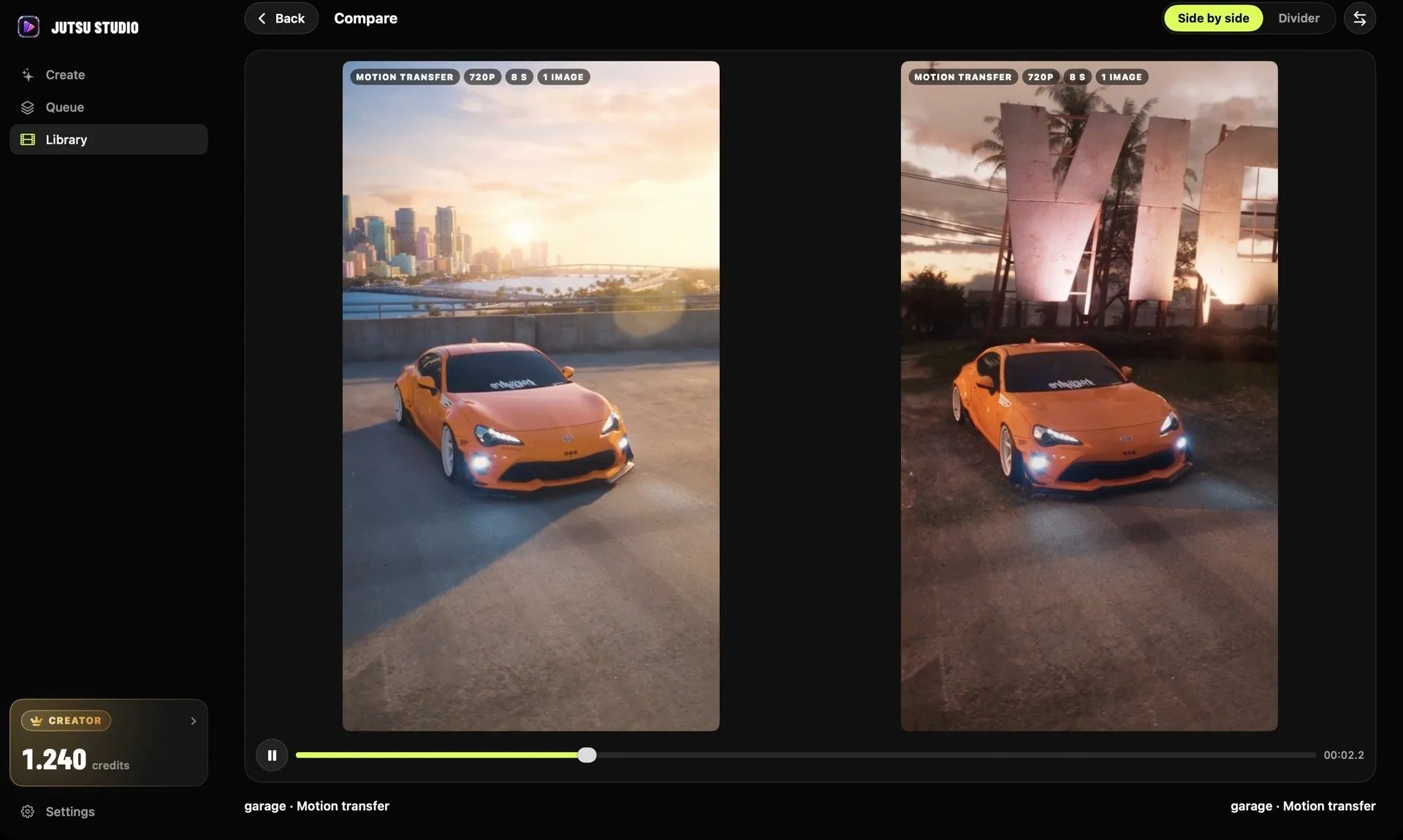
In short
- Kling Motion Control animates one character image with the moves of one performer; Genjutsu keeps a clip's motion and camera and rebuilds the scene from your references.
- Through Higgsfield's API, Kling 2.6 Motion Control costs $0.07 a second, Kling 3.0 Motion Control $0.126 (Standard) or $0.168 (Pro, 1080p).
- Genjutsu costs $0.318 a second at 480p, $0.681 at 720p and $1.632 at 1080p, so a 10-second 720p take is $6.81 against $1.26 on Kling 3.0.
- Kling takes a 3–30 second single-shot motion video; Genjutsu takes a 4–30 second clip and up to 30 reference images.
Kling Motion Control and Genjutsu both start from a real performance, but they do different jobs. Kling Motion Control takes one performer’s moves and puts them on one character image, so the picture comes to life. Genjutsu keeps the clip’s motion, camera and timing and rebuilds the scene around it from your references. Kling costs a fraction as much per second (about a fifth at 720p); Genjutsu changes far more of the frame.
What each one does
Kling Motion Control needs two things: a character image and a motion reference video. Kling’s guide says it controls the character’s movements and facial expressions from the video, or from a move picked in Kling’s motion library. The scene comes from your image. A prompt can steer background details, such as adding a dog that runs in.
There are two versions. Kling 3.0 Motion Control adds better facial consistency across angles and element binding: you bind a face element (a set of face images or a short video) and it holds the identity through head turns and expression changes. Kling 2.6 Motion Control is the earlier, cheaper model.
Genjutsu is Higgsfield’s video-to-video tool. It starts from footage, not from a still image, and it has two modes:
- Motion Transfer keeps the motion, camera and timing and rebuilds cast, place, wardrobe and style from your references.
- Object Swap changes one selected element (a person, an outfit, a product or the location) and keeps the rest of the shot as filmed.
The API adds a restyle mode at the same price. More on the modes in what Genjutsu does and costs.
The short version: Motion Control animates a picture you already have. Genjutsu re-films a clip you already have.
Limits that decide whether your clip works
| Kling Motion Control | Genjutsu | |
|---|---|---|
| Main input | 1 character image + 1 motion video | 1 source clip |
| Clip length | 3–30 s | 4–30 s |
| References | 1 image, plus an optional face element (3.0) | Up to 30 images |
| People | One performer; the largest in frame is used | Object Swap targets one element |
| Camera | Follows the video, or set by prompt when orientation matches the image | Kept from the source |
| Cuts in the clip | Avoid; the video may be truncated | Not listed as a limit |
| Output | Up to 1080p | 480p, 720p or 1080p |
Kling’s guide adds a few rules worth knowing before you pay:
- One continuous shot. No cuts, shot changes or camera moves in the motion video.
- Steady, moderate motion. If the moves are too fast or complex, the result can come out shorter than your upload, down to a minimum of 3 seconds of usable motion, and those credits aren’t refunded.
- Match the framing. Use a full-body image for a full-body video and a half-body image for a half-body one, with room around the character for large moves.
- Orientation. By default the character’s orientation and the camera follow the video. “Matches image” keeps the pose from your image and lets you set camera movement in the prompt.
- Element binding needs video orientation, and it reads only the face: not clothing, hair, makeup or props.
Genjutsu’s limits are mostly about the source: 4 to 30 seconds, and the result is as long as the part you send.
Price per second
These are Higgsfield’s API list prices, before any discount:
| Model | Per second | 10 s clip | 30 s clip |
|---|---|---|---|
| Kling 2.6 Motion Control, Standard (480p/720p) | $0.07 | $0.70 | $2.10 |
| Kling 2.6 Motion Control, Pro (1080p) | $0.112 | $1.12 | $3.36 |
| Kling 3.0 Motion Control, Standard (480p/720p) | $0.126 | $1.26 | $3.78 |
| Kling 3.0 Motion Control, Pro (1080p) | $0.168 | $1.68 | $5.04 |
| Genjutsu, 480p | $0.318 | $3.18 | $9.54 |
| Genjutsu, 720p | $0.681 | $6.81 | $20.43 |
| Genjutsu, 1080p | $1.632 | $16.32 | $48.96 |
At 1080p, Genjutsu costs almost ten times what Kling 3.0 Motion Control Pro does for the same length. Even Genjutsu’s 480p draft costs more than Kling’s 1080p. Compare current rates and discounts on the price table.
On subscriptions, Kling charges 9 credits a second for 3.0 Motion Control Standard and 12 for Professional (5 and 8 for 2.6). Higgsfield’s plan page lists Kling 3.0 Motion Control at about 7 credits per 5 seconds at 720p and 12 at 1080p, and Genjutsu at 40 credits for 15 seconds at 480p up to 144 at 1080p. For how those credits compare in dollars, see Higgsfield vs Kling.
Is there a free way?
“Kling motion control free” mostly means small allowances. Kling gives non-subscribers monthly free credits (the amount isn’t on its plan page), but output on a free account isn’t licensed for commercial use and keeps Kling’s watermark. Higgsfield’s Plus and Ultra plans include 3 free Genjutsu generations at 720p; Starter has none.
The free route that works at scale is running an open model on your own GPU, such as Wan 2.2 Animate in ComfyUI. You pay with hardware and setup time instead of credits.
When to use which
Use Kling Motion Control when:
- You have a finished character image and want it to dance, talk or act.
- The performance is one person in one continuous shot.
- You are making many takes and price per second matters.
- You want the camera to follow your prompt rather than the source (orientation set to the image).
Use Genjutsu when:
- The source clip already has the camera work you want and it should stay.
- The place, wardrobe and style should all change, not only the person.
- You have several references for one look: a character, an outfit, a product, a place.
- You want to swap one thing in a good shot and keep the rest exactly (Object Swap).
A practical split: draft the idea with Kling 3.0 Motion Control, where a 10-second take is $1.26, and move to Genjutsu only for the shots where the whole scene has to change.
Running both from one place
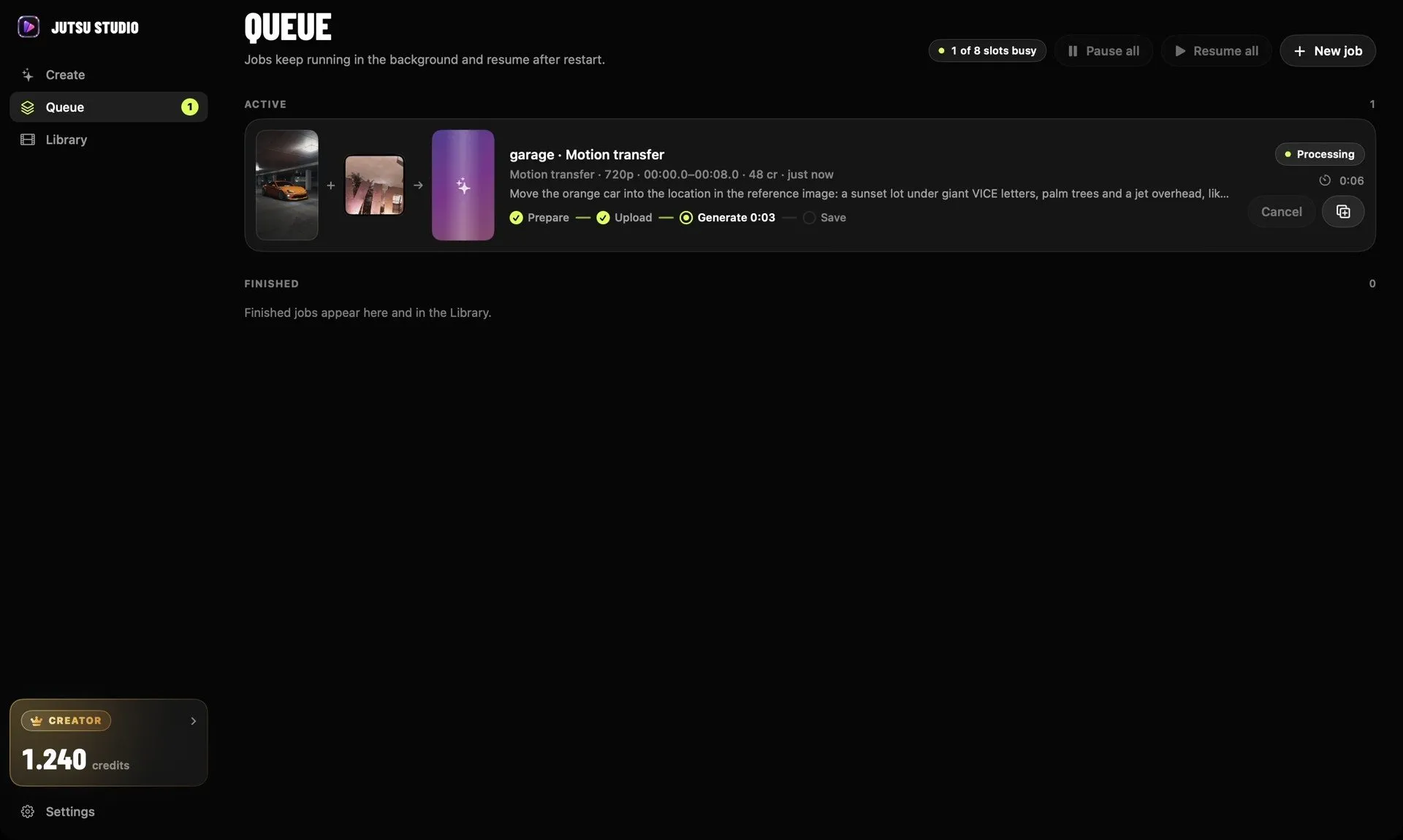
Both run through a Higgsfield account or API key, so you can try the same performance in each and judge the takes side by side. Jutsu Studio is a free, open-source Mac app (unofficial, not made by Higgsfield) that runs Kling 2.6 and 3.0 Motion Control and Genjutsu, shows the price on the Generate button and saves every take with its cost. Its Compare view puts two takes next to each other.
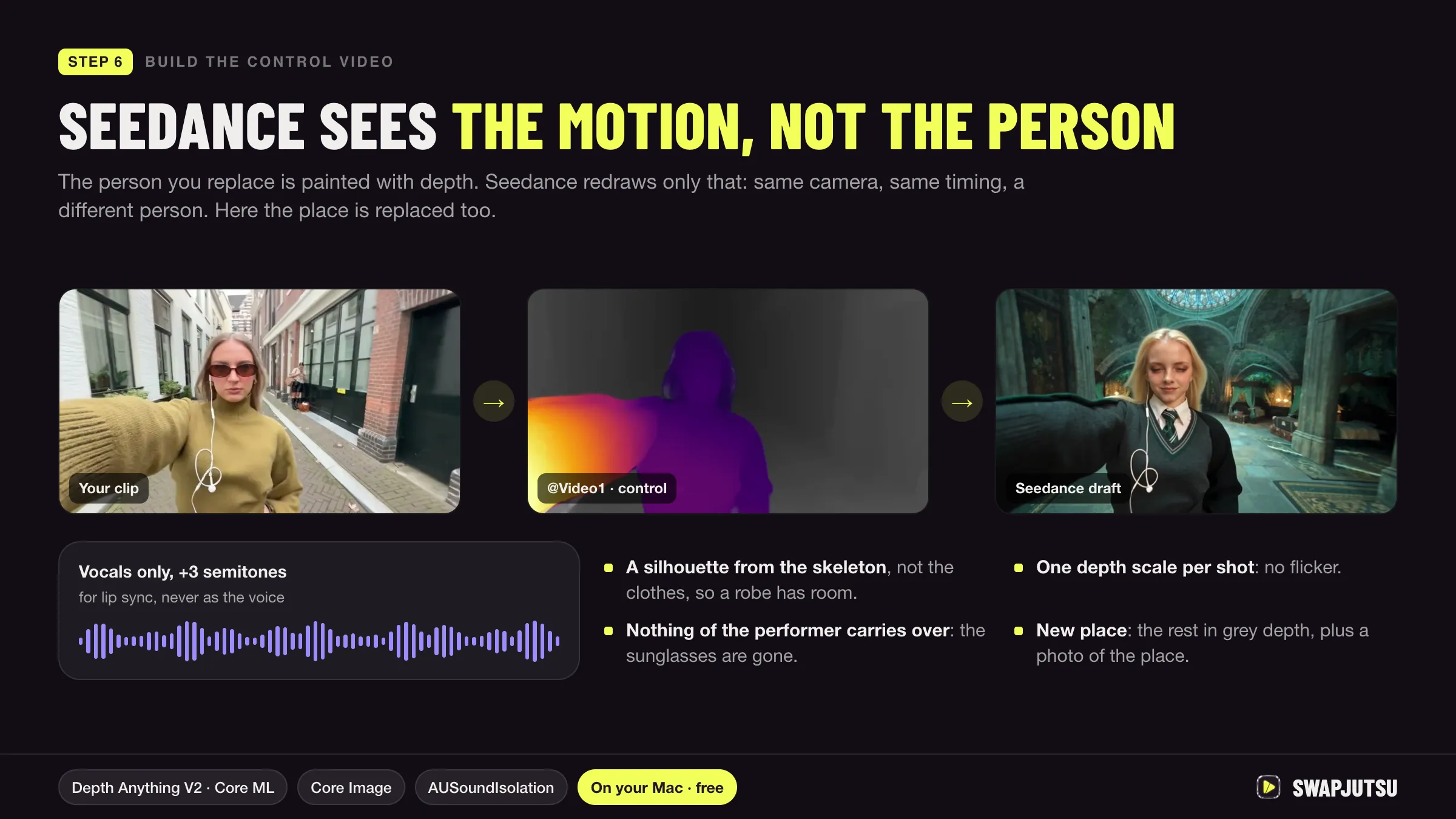
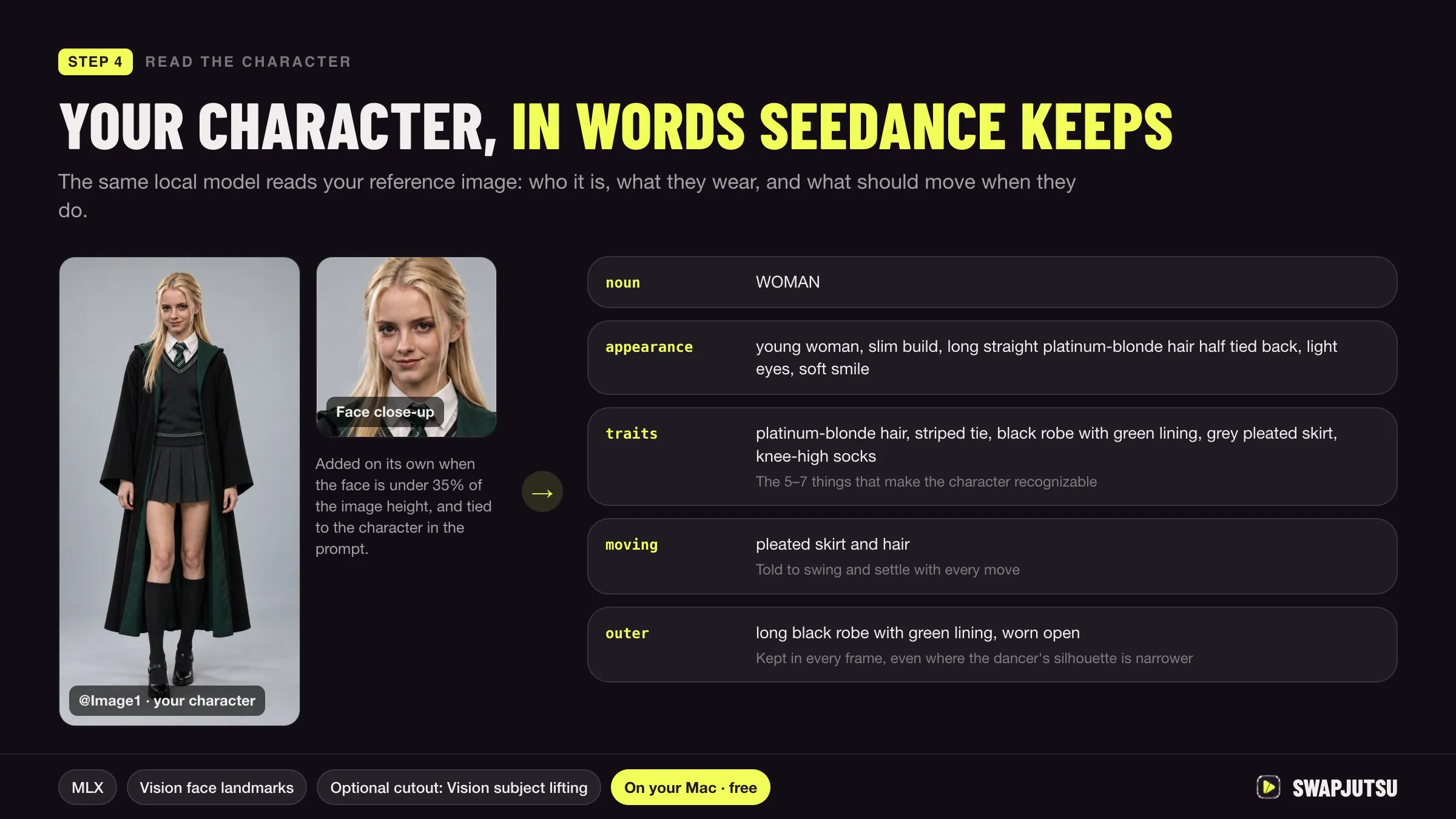
If the job is replacing people in a clip rather than animating an image, including two people at once, Swapjutsu does that with free preparation on the Mac and renders on Seedance 2.5 or your own ComfyUI.
Sources
- Kling AI: Motion Control user guide (March 5, 2026)
- Kling AI: membership plans (checked October 20, 2026)
- Higgsfield help center: How to use Kling on Higgsfield (updated September 9, 2026)
- Higgsfield Creator Hub: Higgsfield Genjutsu (August 31, 2026)
- Higgsfield: pricing plans (checked October 20, 2026)
- Swapjutsu on GitHub (README)
- Jutsu Studio's Higgsfield price table (rates checked October 15, 2026)
Run Higgsfield from your Mac.
Jutsu Studio is a free, open-source Mac app for Higgsfield: a queue, a local library and the price on every button.