Jutsu Studio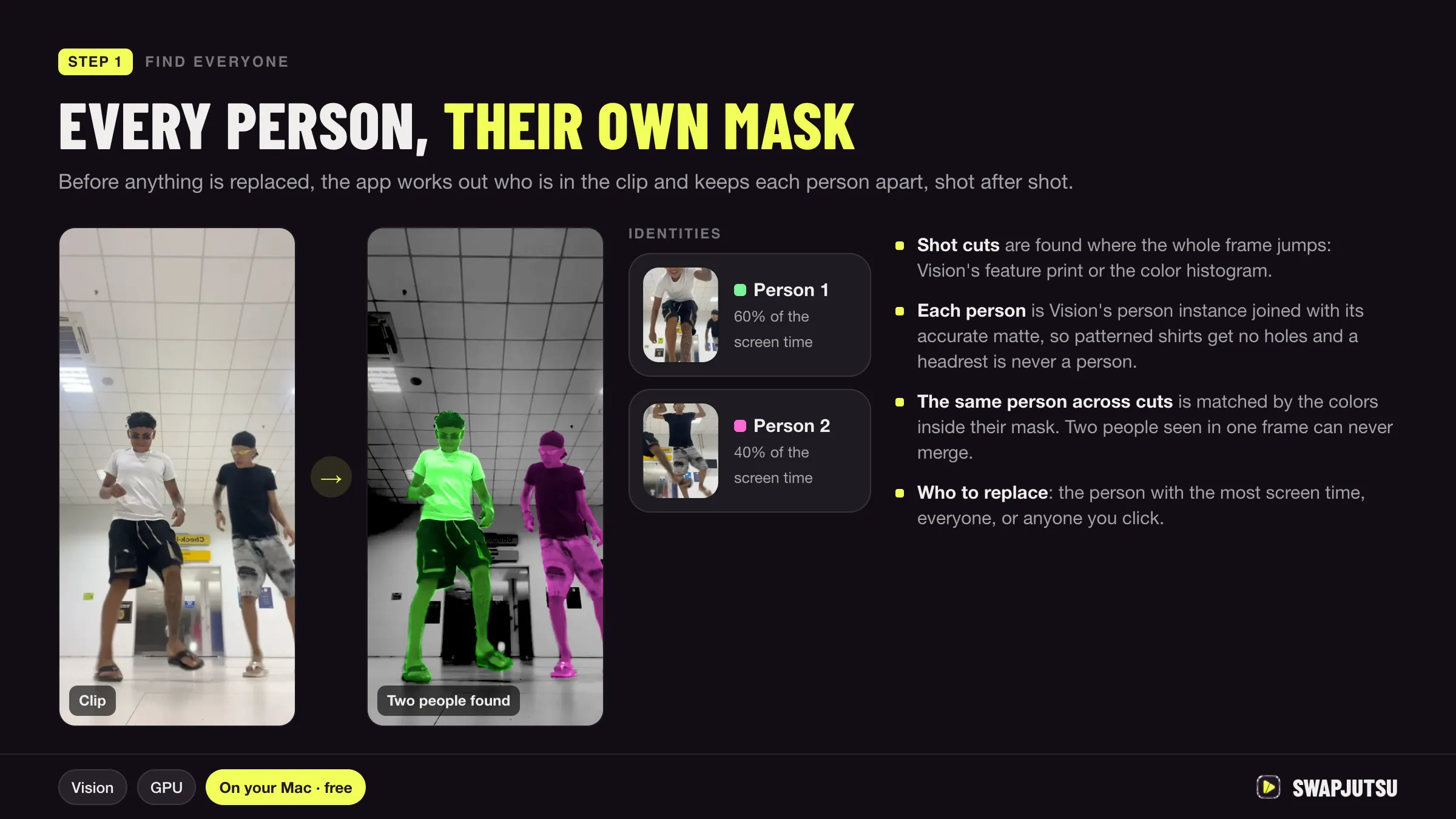
In short
- Face swap replaces only the face and keeps the body, hair and clothes; character swap replaces the whole person and keeps the camera and the motion.
- FaceFusion is the active open-source face swap tool, under the OpenRAIL-AS license, and many of the models it downloads are marked non-commercial.
- DeepFaceLab, long the best-known face swap project, was archived on November 13, 2024 and is read-only.
- Seedance 2.5 and 2.0 on BytePlus do not accept reference images or videos with real human faces unless they come through an authorized route.
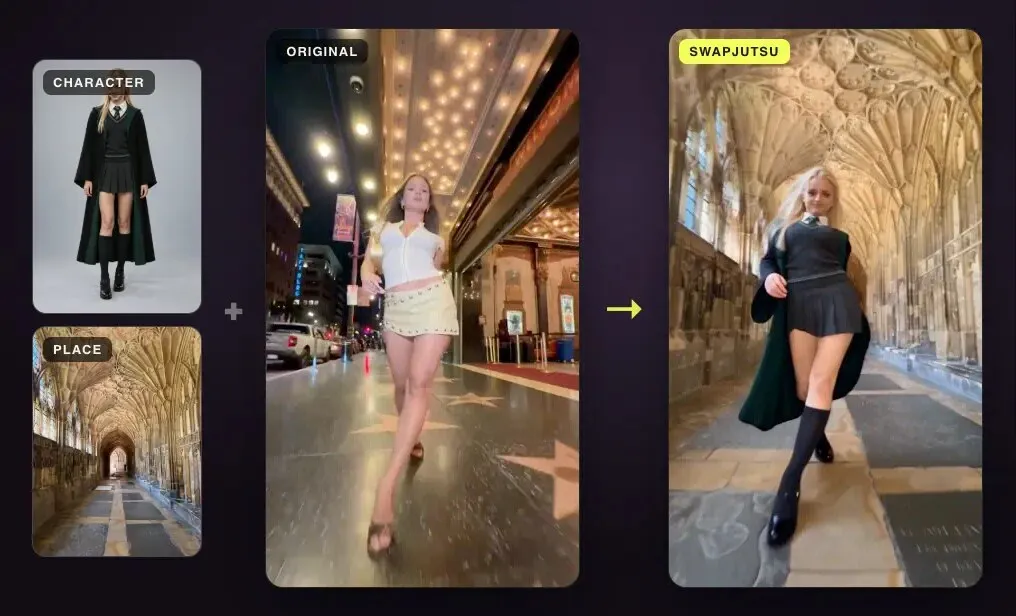
Face swap and character swap both replace a person in a video, but they replace different amounts of them. Face swap puts a new face on the original person and keeps everything else. Character swap replaces the whole person, body, clothes and style included, and keeps only the motion, the camera and the timing.
Which one you need depends on how far the new person is from the old one. This guide covers the difference, when each is right, the tools for each with their current status and licenses, and the consent rules that apply to both.
What each one changes
| Face swap | Character swap | |
|---|---|---|
| Changes | The face, sometimes expression or lips | The whole person: face, body, hair, outfit, style |
| Keeps | Body, hair, clothes, background, motion | Camera, motion, timing, usually the background |
| Input | A photo of the new face | An image of the new character, often a headshot and a full-body shot |
| How it works | Detects and replaces the face region in each frame | A video model redraws the person from a mask, pose or prompt |
| Typical tools | FaceFusion, DeepFaceLab (archived) | Genjutsu Object Swap, Seedance 2.5 edit, Wan 2.2 Animate, Swapjutsu |
| Runs | Usually on your own computer | Cloud models, or open weights on your GPU |
The practical test: if the new person would wear the same clothes and have roughly the same build and hair, a face swap can be enough. If the new person is a different build, wears something else, or is a stylized or animated character, a face swap will look like a mask on the wrong body. That is the job for character swap.
When face swap is right
- The footage is final and only the identity of the face should change.
- Body, hair and wardrobe already match the new person.
- You need it to run offline, on your own machine, without per-second fees.
- You want the rest of the frame untouched: a face swap works on the face region, not the whole image.
Face swap struggles when the face turns away, is covered, or is small in the frame, and it cannot change anything below the chin.
When character swap is right
- The new person differs in build, outfit, age or style.
- You want a stylized or illustrated character to perform real footage.
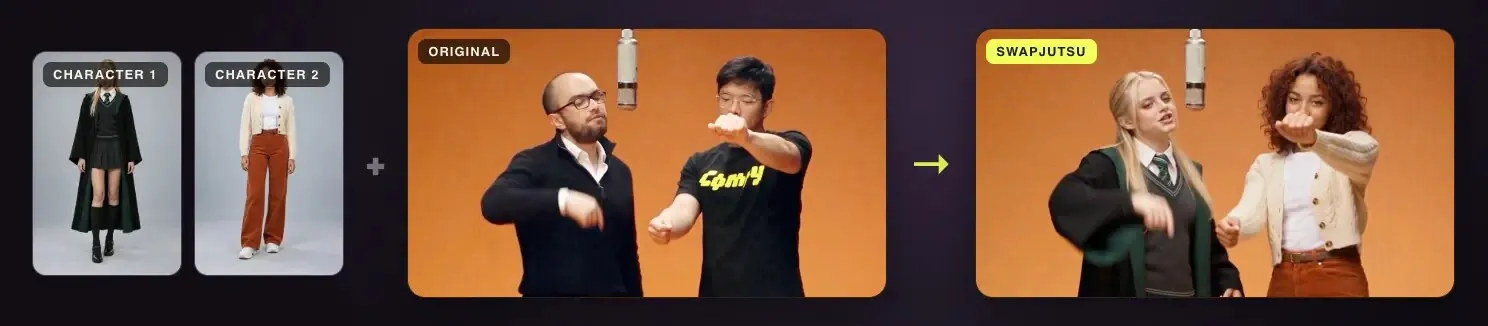
- Several people in a clip should each become someone different.
- The scene, lighting and camera move should stay but the cast should change.
The trade-off is that a video model redraws the person, so small details such as hands, text on clothes or a fast spin can come out differently on each run. Plan for a few drafts. Prices also run per second: a 10-second clip on Genjutsu Object Swap through Higgsfield’s API costs $3.18 at 480p and $16.32 at 1080p, according to Jutsu Studio’s price table, checked October 15, 2026.
Face swap tools, checked
FaceFusion describes itself as an industry-leading face manipulation platform. Its GitHub repository has about 30.3k stars, and its docs are at version 3.9.1. Its processors include Face Swapper, Deep Swapper, Face Enhancer, Lip Syncer, Expression Restorer and Age Modifier. Installation needs some technical skill; the docs offer Windows and macOS installers for people who prefer not to use a terminal.
Two license points matter. The code is under the OpenRAIL-AS license, not a plain MIT or GPL license. And the license page lists many of the models it uses as non-commercial, including InSwapper, SimSwap, BlendSwap and Wav2Lip, with HyperSwap under a research license. Read the license of each model before any paid work. FaceFusion’s disclaimer says it includes safeguards against nudity and graphic content.
DeepFaceLab was for years the best-known open-source deepfake project. Its owner archived the GitHub repository on November 13, 2024, so it is read-only and gets no updates. It is under GPL-3.0, and the README points to Windows builds and community Linux ports. You can still run it, but expect to solve problems on your own.
Character swap tools
- Genjutsu Object Swap on Higgsfield replaces one selected element, such as a person, in a 4 to 30 second clip. See what Genjutsu does and costs.
- Seedance 2.5 from ByteDance edits a video from a prompt. Its guide gives “Replace the Asian woman on the right in Video 1 with the Latina woman from Image 1” as an edit example.
- Wan 2.2 Animate has a Mix mode that replaces the character in a clip and matches the original lighting and color tone. It runs in ComfyUI on your own GPU and needs a mask of the character.
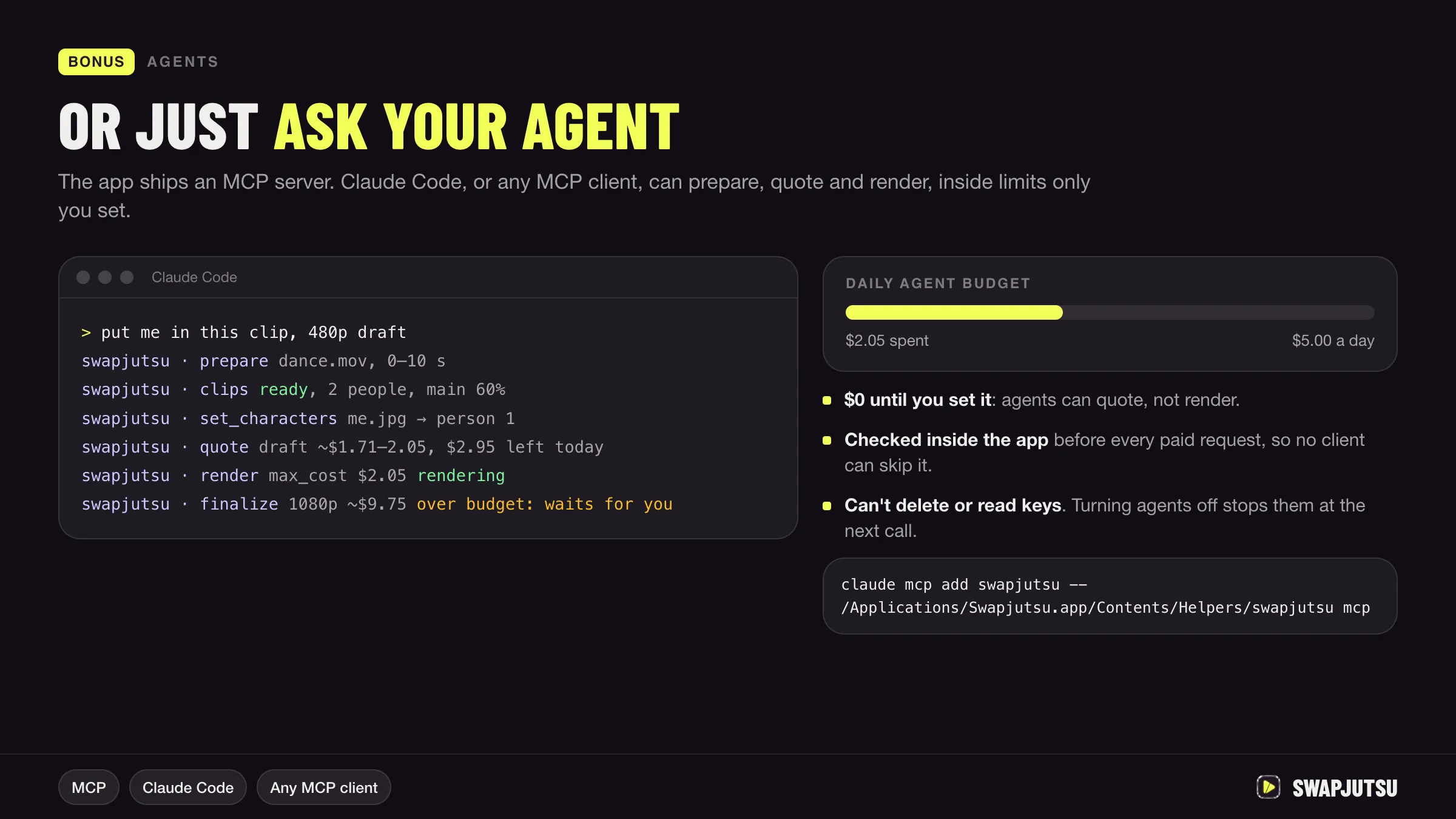
- Swapjutsu, a free, open-source Mac app, prepares the swap on the Mac and renders on Seedance 2.5 through Comfy or on Wan 2.2 Animate on your own ComfyUI. Each person in the clip gets their own mask, so two people can become two different characters. Its README shows a 5-second swap of two people for $0.85 at 480p.
For step-by-step instructions, see how to swap a character in a video.
Consent, platforms and the law
Both techniques can put a real person into a video they never made. Treat that as the main risk, not a footnote.
- Swap only people who agreed. That includes the person in the footage and the person whose face or likeness you put in. Get it in writing for anything commercial.
- Follow platform rules. YouTube requires creators to disclose realistic altered or synthetic content, including content that makes a real person appear to say or do something they did not do. Other platforms have similar labels.
- Expect model-level limits. BytePlus says Seedance 2.5 and 2.0 do not accept reference images or videos with real human faces directly. It offers preset digital characters, outputs from its own models, and authorized real-person assets as the routes around that.
- Check local law. Rules on likeness, deepfakes and consent vary by country and state. This is not legal advice.
Swapjutsu’s built-in examples come from Higgsfield’s public gallery and load only when you ask for them, so you can test without uploading anyone’s footage.
Which one to use
Use face swap when the person stays the same apart from the face and you want it offline and pixel-exact. Use character swap when the new person looks different from the neck down, when the character is stylized, or when several people in a clip should change. If you go with character swap and want the preparation free and local, Swapjutsu is one option; if you already use Higgsfield, Genjutsu runs from the Jutsu Studio Mac app too.
Sources
- FaceFusion on GitHub
- FaceFusion docs: Licenses
- FaceFusion docs: Disclaimer
- DeepFaceLab on GitHub (archived November 13, 2024)
- Comfy docs: Wan 2.2 Animate
- BytePlus ModelArk: Create portrait videos with Dreamina Seedance models (updated October 8, 2026)
- BytePlus ModelArk: Dreamina Seedance 2.5 prompt guide (updated October 16, 2026)
- YouTube Help: Disclosing use of altered or synthetic content
- Swapjutsu on GitHub (README, October 20, 2026)
- Jutsu Studio's Higgsfield price table (rates checked October 15, 2026)
Swap characters on your Mac.
Swapjutsu is free and open source. The prep runs on your Mac; only the render is billed, or nothing on your own ComfyUI.