Jutsu Studio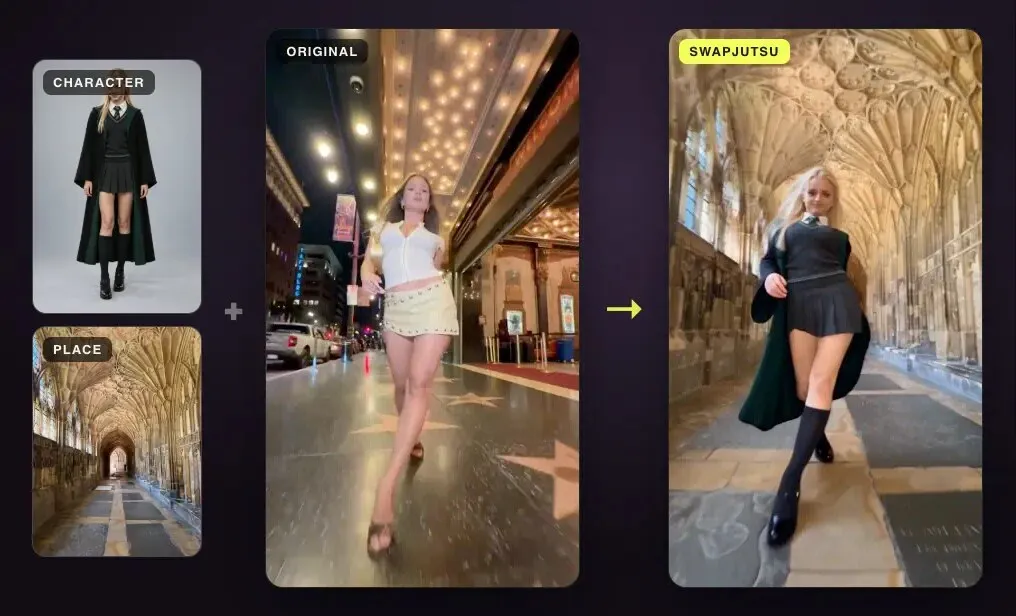
In short
- Genjutsu costs $0.318 to $1.632 a second through the API; a 15-second clip is 40 to 144 credits on a plan.
- Swapjutsu is the free, open-source option: the prep runs on a Mac and a 7-second 480p Seedance draft cost $1.19. On your own ComfyUI with Wan 2.2 Animate, the render is free too.
- Kling Motion Control is the cheapest paid route for putting one performance on one character image.
- Runway and Luma are the picks when you need editing control over the result, not just a swap.
Genjutsu is good at one thing that used to be hard: keeping a real performance and changing who performs it. It is also priced like it. Through Higgsfield’s API it costs $0.318 a second at 480p and $1.632 at 1080p, so a 30-second 1080p take is almost $49 before any retries.
Most “alternatives” lists mix tools that do different jobs. This one is sorted by the job: replacing a person in a clip (what Genjutsu calls Object Swap) or putting a performance on a new character and scene (Motion Transfer). Prices are for the same kind of clip wherever the vendor publishes them.
At a glance
| Tool | Does | Runs | Price as published |
|---|---|---|---|
| Swapjutsu | Character swap, one or more people | Prep on your Mac, render on Comfy or your GPU | Free app; $1.19 for a 7 s 480p draft, $0 on your own ComfyUI |
| Kling Motion Control | One performance onto one character image | Cloud | $0.07–0.168 a second via Higgsfield’s API |
| Creaa Kagemusha | Replaces the main performer with a library character | Cloud, Seedance 2.5 | 46 credits a second, 720p |
| Scenario P-Video Replace | Replaces a person, keeps scene and audio | Cloud | Not published |
| Runway Aleph 2.0 | Edits footage, swaps objects or products | Cloud | 28 credits a second, 2 s minimum |
| Luma Ray3.2 Modify Video | Restyles or rebuilds a clip with adjustable adherence | Cloud | Not published |
| Genjutsu in ComfyUI | Genjutsu Motion Transfer, outside Higgsfield | Cloud, via Comfy | Billed per output second by Comfy |
1. Swapjutsu: free and open source, on a Mac
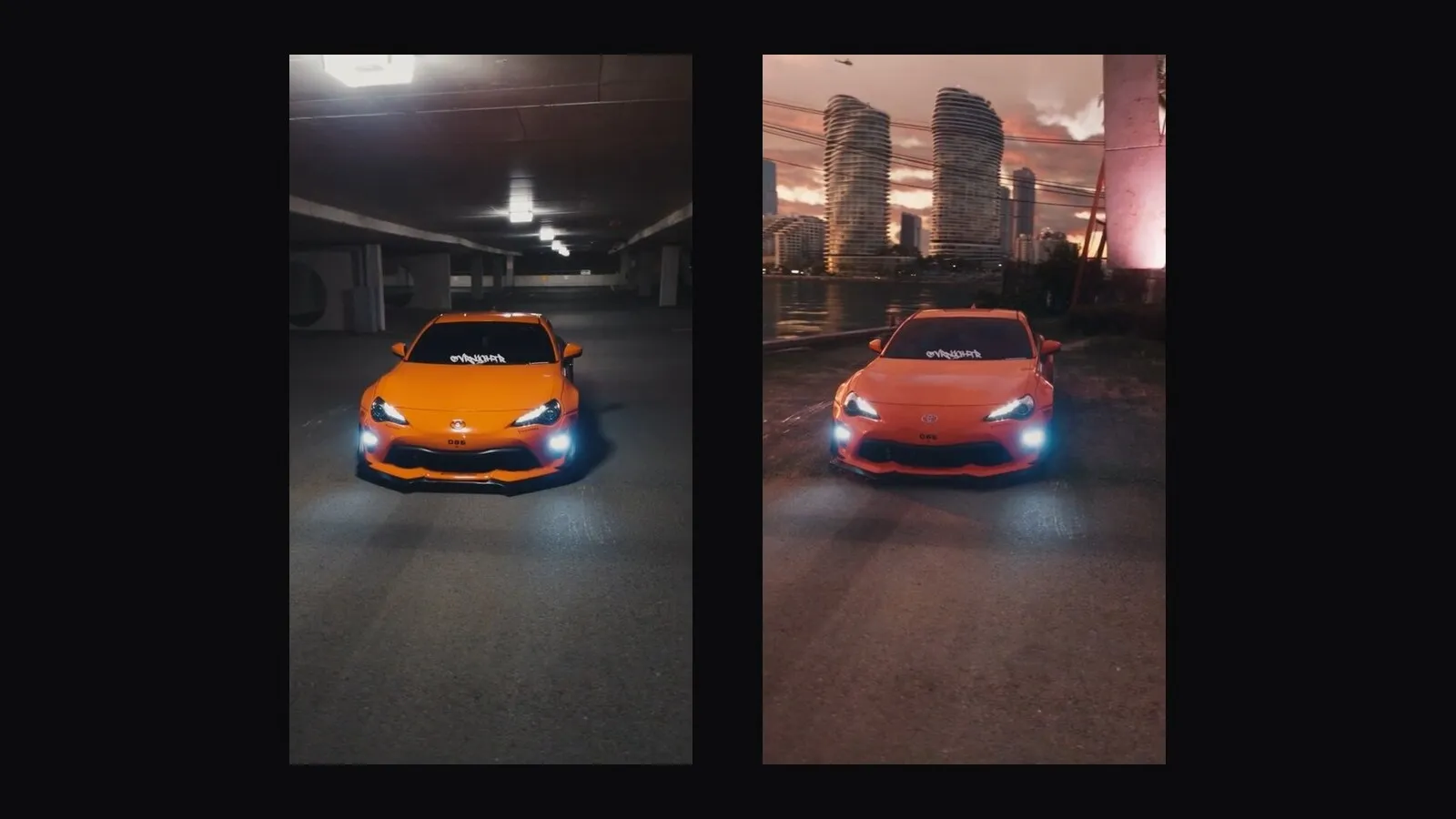
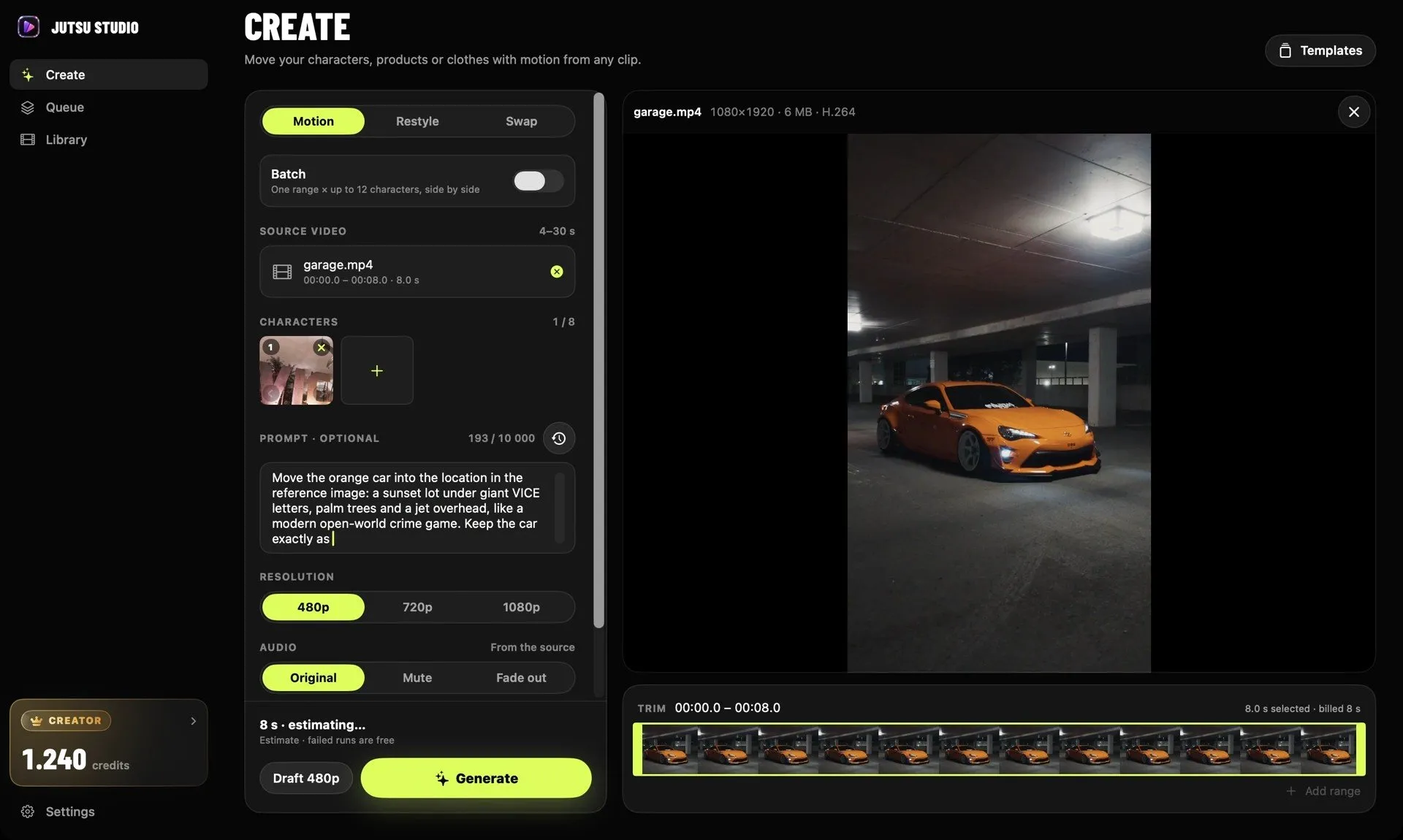
Swapjutsu is an open-source Mac app made for exactly the Object Swap job: put any character into any clip and keep the camera, the moves and the timing. It splits the work differently from every other tool here. Everything that makes a swap hold together runs on your Mac for free: finding the cuts, a mask per person, tracking with EdgeTAM on the Neural Engine, pose, depth and the prompt. Only the render leaves the machine.
You choose where it renders: Seedance 2.5 through Comfy’s API with prepaid credits, or Wan 2.2 Animate on your own ComfyUI at no cost. The README’s examples are unedited 480p Seedance drafts: one character in a new place, 7 seconds, $1.19; two people swapped at once, 5 seconds, $0.85. The same 7 seconds on Genjutsu Object Swap through Higgsfield’s API is $2.23 at 480p.
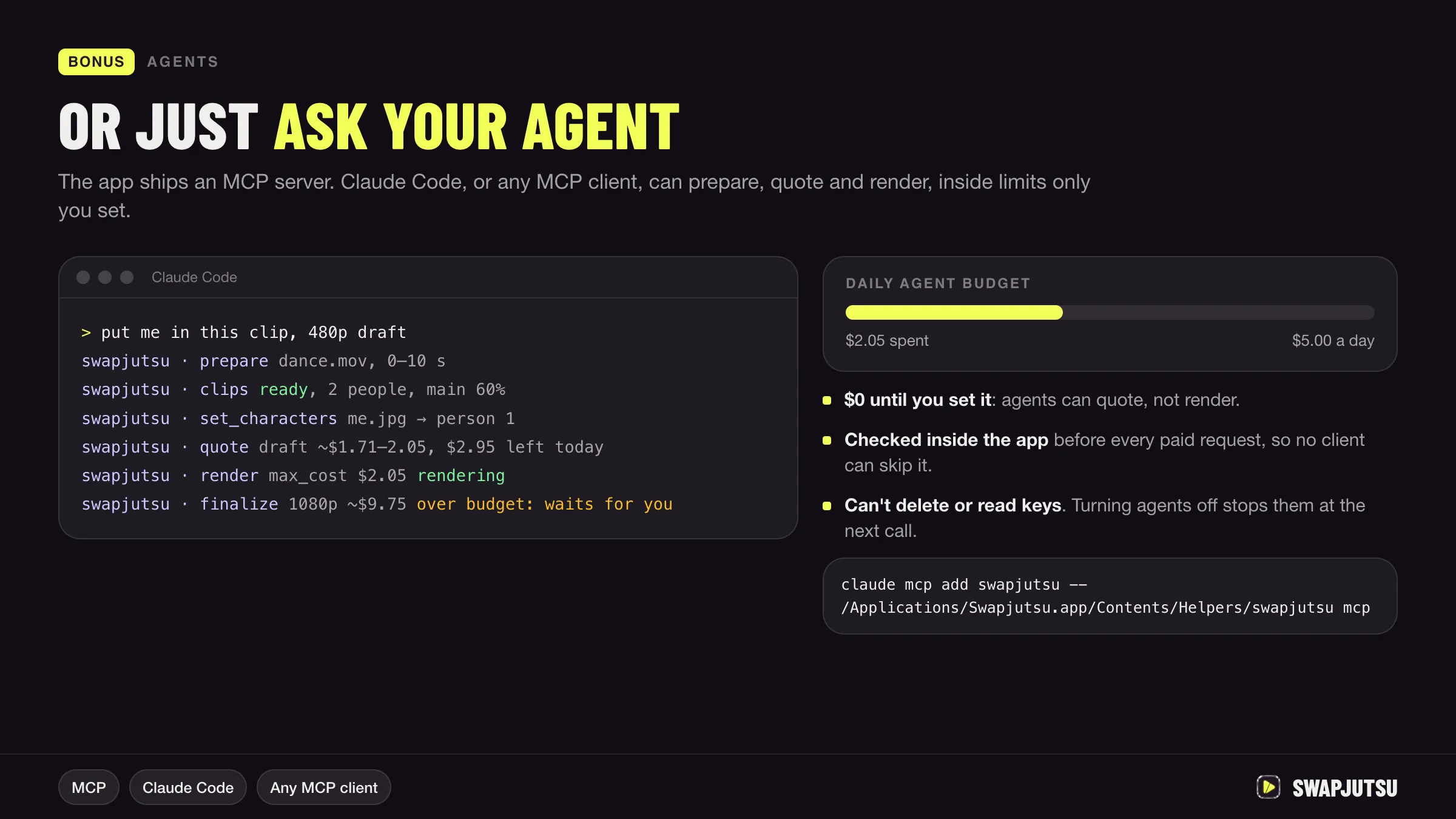
It needs an Apple Silicon Mac on macOS 15 or later. Preparing a clip takes about 3–5 seconds per second of video on an M4. It also ships an MCP server, so an agent like Claude Code can run swaps within a daily budget.
Pick it if you swap people often, want to see the price before each render, or have a GPU for free renders.
2. Kling Motion Control
Kling’s Motion Control puts one performer’s body movement, gestures and expressions onto one character image, with facial binding. It handles motion references up to 30 seconds and one main performer at a time. Through Higgsfield’s API, Kling 2.6 Motion Control costs $0.07 a second at 480p and 720p, and Kling 3.0 Motion Control $0.126 a second, or $0.168 for Pro at 1080p.
Pick it if you want the cheapest cloud route from a dance or a talking clip to your character. It doesn’t rebuild the scene around them the way Motion Transfer does. Kling Motion Control vs Genjutsu puts the two side by side.
3. Creaa Kagemusha
Kagemusha sits in Creaa’s AI influencer studio. It replaces the main adult performer in a 4–30 second clip with a character saved in your Creaa library, on Seedance 2.5 at 720p. It costs 46 credits per second of source, so 276 credits for 6 seconds and 690 for 15. Creaa puts 15 seconds at about $3.34 on its Pro plan and $6.90 on Basic.
Pick it if you already keep a recurring AI character in Creaa.
4. Scenario P-Video Replace
Built by Pruna AI and offered in Scenario, it replaces a person in existing footage and keeps the original scene, camera, lighting and source audio. It takes up to four identity images. The source length limit and price aren’t published in the coverage we found.
Pick it if the original sound must stay untouched.
5. Runway Aleph 2.0 (Edit Studio)
Runway’s Edit Studio edits existing footage: swap an object or a product, preview a keyframe before you spend on video, process only part of a clip, or extend the aspect ratio. Performance transfer is a separate tool, Act-Two. Aleph 2.0 costs 28 credits a second with a two-second minimum.
Pick it if the swap is one step in an edit and you want to see a frame before paying for a clip.
6. Luma Ray3.2 Modify Video
Luma restyles or rebuilds a video and lets you set how closely motion, structure and face or body pose follow the source. Sources go up to 20 seconds and output to 1080p, with HDR and EXR for post-production.
Pick it if you need a graded, high-dynamic-range result for a real edit rather than a social clip.
7. Genjutsu itself, through ComfyUI
If it’s Genjutsu’s look you want but not the Higgsfield subscription, its Motion Transfer runs as a partner node in ComfyUI 0.40 or later. It takes a 4–30 second clip, 1 to 8 reference images and 480p, 720p or 1080p, and is billed per output second through a Comfy account. Object Swap isn’t available there.
Which to choose
- Free, or many swaps a week: Swapjutsu, rendering on your own ComfyUI.
- Cheapest per clip in the cloud: a 480p Seedance draft through Swapjutsu, or Kling Motion Control.
- Edit control and high-end output: Runway or Luma.
- Original audio untouched: Scenario P-Video Replace.
- Genjutsu’s quality with your own account: Genjutsu through Higgsfield’s API, from the Jutsu Studio Mac app or ComfyUI.
Prices change often; every figure above is from the source listed below, on the date shown there.
Sources
- Swapjutsu on GitHub (README examples and prices)
- Kapwing: 5 best Higgsfield Genjutsu alternatives in 2026 (October 4, 2026)
- Creaa: Higgsfield Genjutsu alternative, Kagemusha (October 14, 2026)
- Comfy docs: Higgsfield Genjutsu Motion Transfer node
- Higgsfield Creator Hub: Higgsfield Genjutsu (credit prices, September 2026)
- Jutsu Studio's Higgsfield price table (rates checked October 15, 2026)
Swap characters on your Mac.
Swapjutsu is free and open source. The prep runs on your Mac; only the render is billed, or nothing on your own ComfyUI.