Jutsu Studio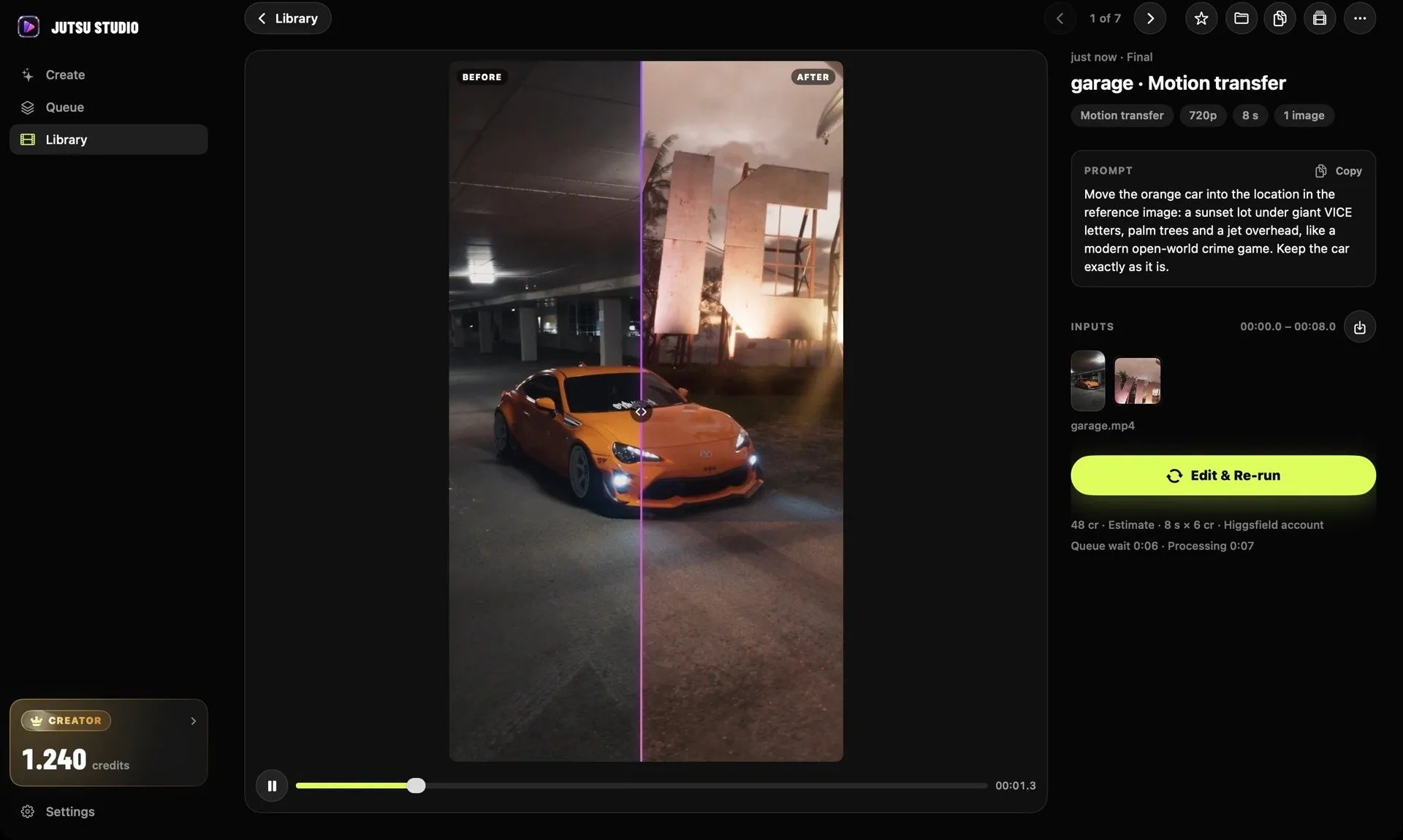
In short
- Higgsfield's help center names ad blockers, privacy extensions and blocked automatic downloads as the usual causes of failed downloads.
- Assets on higgsfield.ai "remain accessible while your subscription is active"; Higgsfield publishes no retention period beyond that.
- API output files are kept for at least 7 days, so Higgsfield tells developers to copy them to their own storage.
- Failed generations are usually refunded automatically within a few minutes, with exceptions such as Grok.
When a Higgsfield video won’t download, the cause is usually in the browser: an ad blocker or privacy extension blocking the request, or automatic downloads switched off for higgsfield.ai. Allow downloads for the site, disable the extension, refresh and try again, or switch to Chrome or Safari. If the problem is that the generation itself failed or never finished, the fix and the refund rules are different.
This guide follows Higgsfield’s own help center, step by step, then covers how to make sure a result is never lost.
First, which problem do you have?
| What you see | Likely cause | Go to |
|---|---|---|
| Clicking Download does nothing, or the browser says it failed | Extension or browser permission | Fixing a failed download |
| The page is blank or keeps spinning | Cache, extension, VPN or an incident | When the site won’t load |
| The tile says Queued, Processing or “Something went wrong” | The generation, not the download | Failed or stuck generations |
| An older result is missing or a link no longer works | Storage and expiring links | Keeping your files |
Fixing a failed download
Higgsfield’s troubleshooting page names two causes for downloads that fail.
1. Ad blockers and privacy tools. They can block the download request. Disable the extension for higgsfield.ai, refresh the page and try the download again.
2. Automatic downloads are blocked. Allow them for the site:
- Chrome: Settings, Privacy and Security, Site Settings, Automatic Downloads, Allow.
- Safari: Settings (Preferences), Websites, Downloads, Allow.
- Firefox: Settings, Privacy, Permissions, allow downloads.
If it still fails, Higgsfield recommends switching to Chrome or Safari. If that doesn’t work either, contact Higgsfield support with your account email, a screenshot and, if you can, a short screen recording.
Two habits from the same help center make downloads more reliable. Download from Assets (higgsfield.ai/asset/all), where every image, video and audio file you generate is saved automatically, rather than from a tool page you may navigate away from. And when you need several results, select them in Assets and use Download in the bulk action bar instead of clicking each one.
When the site won’t load
If the page itself is broken, Higgsfield’s checklist, in order:
- Refresh (Cmd+R on a Mac, F5 on Windows).
- Hard refresh to skip the cache (Cmd+Shift+R or Ctrl+Shift+R). Higgsfield says “most loading issues are fixed by a hard refresh.”
- Try an incognito or private window. If it works there, an extension or cached data is the cause.
- Try another browser: Chrome, Firefox, Safari or Edge.
- Clear cache and cookies for higgsfield.ai.
- Disable ad blockers, VPN extensions and privacy tools.
- Turn off any VPN or proxy and check your connection. Some VPN setups block platform resources; if you need one, try another server location.
If it fails in every browser, Higgsfield points to the #announcements channel on its Discord for platform incidents rather than a status page. If nothing is posted there, contact support with your browser and version, operating system, the exact URL and what you see.
Failed or stuck generations
Sometimes there is nothing to download because the generation didn’t finish. Higgsfield’s guidance by status:
- Queued and not moving: it is waiting for a free slot. Cancel it from the tile (this works instantly and returns the credits) and retry.
- “Something went wrong”: usually a temporary error or a captcha that wasn’t completed. Refresh, complete the captcha, retry.
- Parallel limit reached: cancel a queued job or wait for one to finish. Your plan sets the limit.
- Processing or Generating: cancel may no longer apply. Wait for it to finish or fail. Most stuck generations resolve within a few minutes; Higgsfield publishes no fixed timeout.
- Blocked for NSFW or copyright: rework the prompt or reference and retry; the credits are refunded.
Credits for failed generations usually come back automatically within a few minutes, and you can confirm in Manage Account, Usage. Higgsfield names exceptions: some models may not refund, and Grok generations are charged as soon as they start. Very long prompts or large input files can also fail or run slowly, so simplify before retrying.
If a job stays stuck or a refund doesn’t appear, contact support with the generation ID (open it in Assets and copy the last part of the URL), the model, any error message, and your browser and operating system.
Why results get lost
A result can be generated, paid for and still be hard to get back later. The reasons, from Higgsfield’s own pages:
- Assets depend on your subscription. Higgsfield’s account guide says assets “remain accessible while your subscription is active.” It does not publish a retention period, storage limit or what happens after a subscription lapses, so treat the website as a workspace, not an archive.
- API files are temporary. The API docs say output files are available “for at least seven days” and tell developers to download them to their own storage.
- Agents don’t save locally. Generations through MCP and the CLI go to your Assets on higgsfield.ai. Higgsfield doesn’t describe either one saving files to a local folder.
- The prompt lives with the asset. You can copy the prompt and see the model, resolution and date from an asset’s page, but a downloaded file on its own doesn’t carry them.
The reliable fix is to download every result you might want, as soon as it is ready, into a folder you back up. Keep the prompt next to it if you might want to make it again.
Keeping every result on your disk
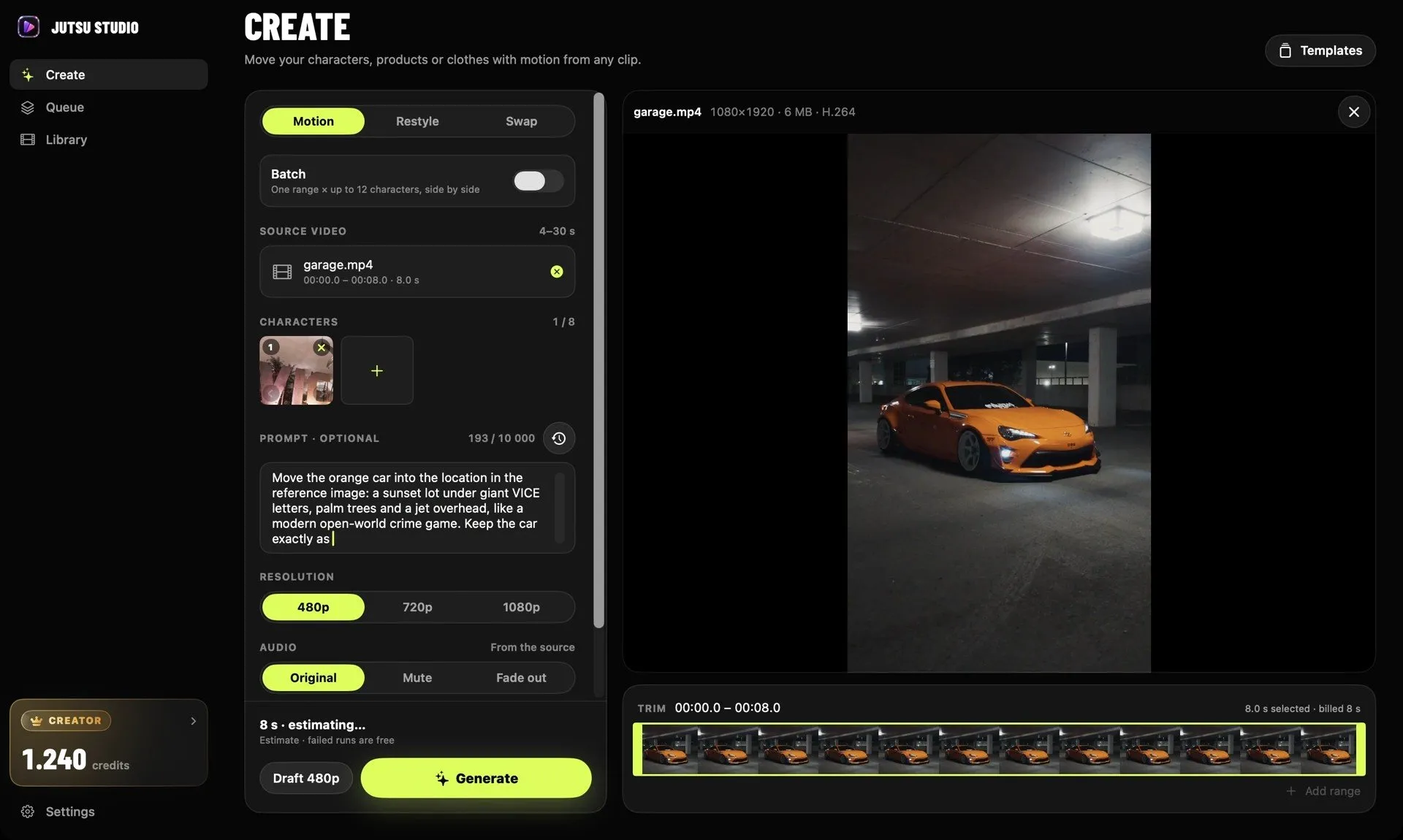
That is the habit Jutsu Studio automates on a Mac. It is a free, open-source app, unofficial and not affiliated with Higgsfield, that runs Higgsfield’s video models through your own account or API key. Each result is downloaded as soon as it’s ready to ~/Movies/Jutsu Studio, with a JSON file next to it holding the source, prompt, cost and request IDs. File names sort by take, so three tries at the same clip stay together. Your Higgsfield history is listed next to the local results, and the library works offline.
Two other details help with failures. Each job carries one idempotency key, so a double click, a retry or a restart submits it once. Failed, rejected and canceled jobs are not charged, and if the connection drops, the queue pauses and continues when you’re back online.
Jutsu Studio is Mac only (macOS 14 or later). On Windows or a phone, the steps above and a habit of downloading from Assets right away do the same job. For the other ways to use Higgsfield off the website, see the Higgsfield desktop app question and API, MCP and CLI compared.
Sources
- Higgsfield Help Center: What should I do if the Higgsfield site won't load?
- Higgsfield Help Center: My generation is stuck or failed. What should I do?
- Higgsfield Help Center: What's in my Higgsfield account?
- Higgsfield Help Center: How do credits work?
- Higgsfield Help Center: What is the Higgsfield API?
- Higgsfield API documentation
Run Higgsfield from your Mac.
Jutsu Studio is a free, open-source Mac app for Higgsfield: a queue, a local library and the price on every button.