Jutsu Studio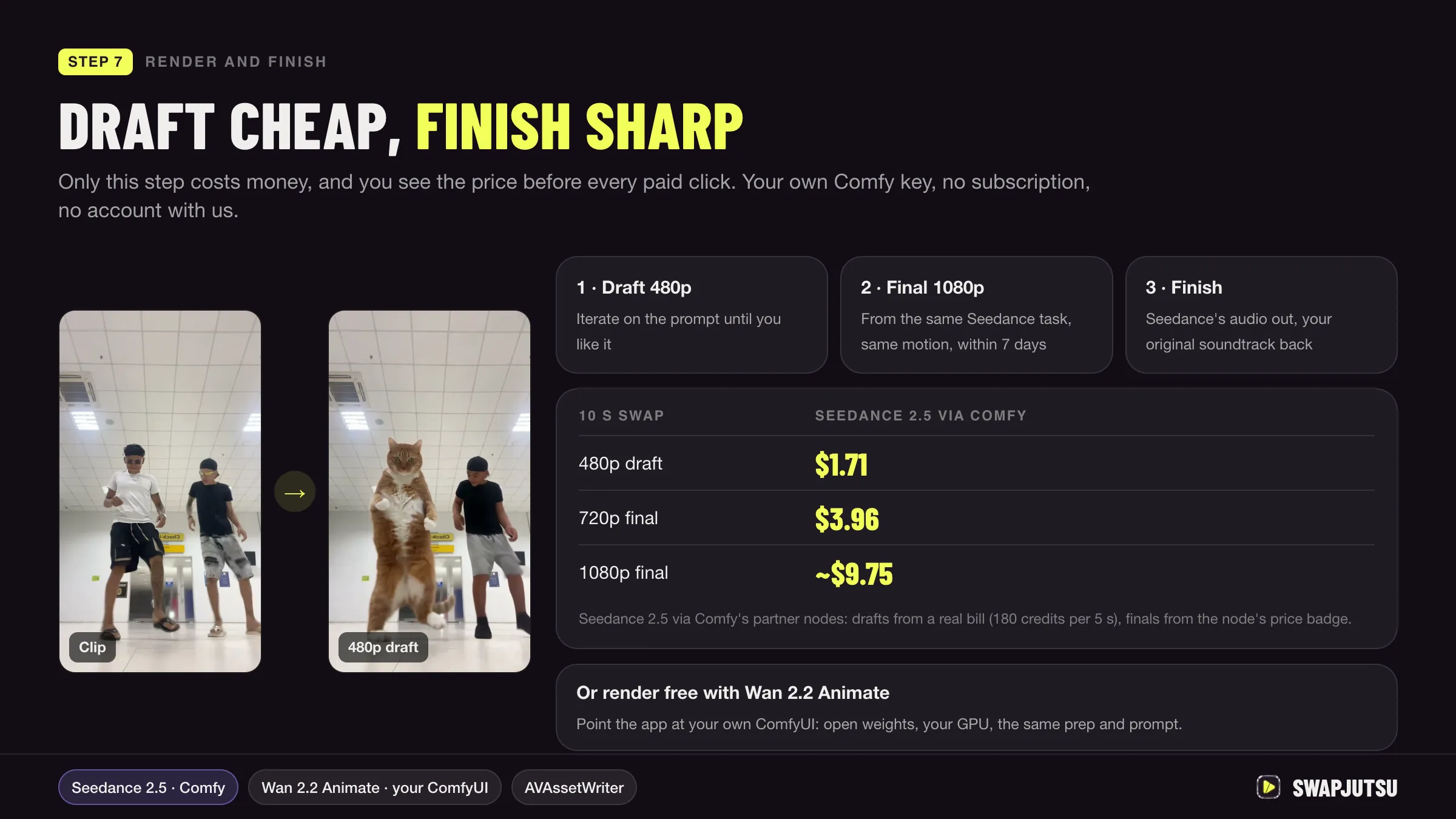
In short
- Seedance 2.5 runs in ComfyUI as a paid partner node: ByteDance's servers render, so no local GPU is needed.
- Comfy bills it in credits, 3.229 per 1,000 tokens at 480p and 720p without a video input, at 211 credits to $1.
- Comfy estimates a 5-second 16:9 text-to-video clip at 155.1 credits at 480p and 857.8 credits at 1080p, about $0.74 and $4.07.
- A 10-second character swap through this route cost Swapjutsu $1.71 at 480p, $3.96 at 720p and about $9.75 at 1080p.
Seedance 2.5 runs in ComfyUI as a partner node: you build the graph locally, ByteDance’s servers render it, and Comfy bills your account in prepaid credits. You need an up-to-date ComfyUI and a Comfy account with credits, not a GPU. A 5-second 16:9 clip without a video input costs about $0.74 at 480p and $4.07 at 1080p.
Below: what the node needs, how to set it up, how the credits are counted, and what real clips cost.
What a partner node is
Partner nodes are ComfyUI nodes that call closed models (Seedance, Kling, Luma, OpenAI and others) through an API instead of running weights on your machine. They are optional. ComfyUI stays free and open source, and you can turn the paid nodes off with --disable-partner-nodes.
For Seedance that means the heavy part never touches your computer. A Mac with no usable GPU runs the Seedance 2.5 node as well as a workstation does, because both only upload inputs and download the finished video. If you are deciding how to set ComfyUI up on Apple Silicon in the first place, see ComfyUI on a Mac.
Requirements
From Comfy’s partner node and Seedance pages:
- A recent ComfyUI. Comfy says to update to the latest version; on a local install the nightly build may be needed if the Seedance 2.5 nodes are missing. Comfy Cloud gets them after the stable release.
- A Comfy account, signed in under Settings › User.
- Credits above zero, bought in Settings › Credits (payment through Stripe).
- A permitted network. Signed-in access works from
127.0.0.1orlocalhost. A ComfyUI reached over the LAN or from a site that isn’t whitelisted needs an API key login instead, and some regions need a proxy.
You can’t plug in your own BytePlus key: Comfy says bringing your own provider key isn’t supported yet.
Setup and inputs
- Update ComfyUI (or Comfy Desktop), then sign in.
- Open the Template Library and search for “Seedance 2.5”. If nothing shows up, your install is too old.
- Pick a workflow: text to video, image to video, first-last frame, reference to video or video editing.
- Fill in the inputs and run.
The reference and edit node takes a prompt, up to 30 reference images, 10 reference videos and 10 audio clips, a resolution (480p, 720p or 1080p), a duration of up to 30 seconds and a task type. Setting task_type to extend and connecting a clip as the reference video makes it continue that clip forward or backward; the output holds only the new segment.
Draft mode is the cost saver. Run the node with the Seedance 2.5 Draft model to get a 480p preview and a draft_task_id. When you like it, paste that ID into the “ByteDance Seedance 2.5 Draft to Final Video” node, which renders 1080p with the same prompt, inputs, duration and audio setting. Drafts stay renderable for 7 days. Bypass the first stage before the final run, or you pay for a new draft.
How the credits are counted
Comfy prices Seedance in credits per 1,000 tokens, and its support page puts the exchange at 211 credits to $1.
| Seedance 2.5 | Credits per 1,000 tokens | About, in USD per million tokens |
|---|---|---|
| 480p / 720p, no video input | 3.229 | $15.30 |
| 480p / 720p, with video input | 1.931 | $9.15 |
| 1080p, no video input | 3.530 | $16.73 |
| 1080p, with video input | 2.112 | $10.01 |
Tokens are (input video seconds + output seconds) × width × height × frame rate ÷ 1024. With only text, images or audio as input, the input seconds are zero. With a video input, two rules raise the bill: the input clip’s seconds count, and a minimum token charge applies. Reference videos must be at least 2 seconds, with 30 seconds of input at most.
Billing rules worth knowing before you top up: the API’s actual usage is what you pay, balances can dip slightly negative after a run (then nothing runs until you add credits), unused credits aren’t refunded, and top-up credits expire one year after purchase.
What a clip costs
Comfy’s own estimate for a 5-second 16:9 text-to-video clip at 24 fps:
| Resolution | Credits | About |
|---|---|---|
| 480p | 155.1 | $0.74 |
| 720p | 348.8 | $1.65 |
| 1080p | 857.8 | $4.07 |
An edit costs more because the source clip is billed too. These are Swapjutsu’s measured figures for a 10-second character swap, where a 10-second control video goes in and 10 seconds come out:
| Resolution | 10 s swap | Per second |
|---|---|---|
| 480p draft | $1.71 | $0.171 |
| 720p | $3.96 | $0.396 |
| 1080p | about $9.75 | about $0.975 |
For comparison, the same 10-second edit through Higgsfield’s API lists at $2.47 at 480p and $13.65 at 1080p on Jutsu Studio’s Higgsfield price table. The full list of channels and their per-second rates is in the Seedance 2.5 guide.
Local ComfyUI or Comfy Cloud
| Local ComfyUI or Comfy Desktop | Comfy Cloud | |
|---|---|---|
| Software | Free | In the browser |
| Seedance node | Prepaid credits only | Credits from the plan, plus top-ups |
| Subscription | None | Standard $20/month ($16 billed yearly) with about 4,200 credits a month |
| Open models (Wan, LTX) | On your own hardware | On an RTX PRO 6000 with 96 GB, 30-minute runs on Standard |
For Seedance alone, a local install is the cheaper path: you buy only the credits you spend. Comfy Cloud makes sense when you also want to run open models on a hosted GPU, since partner nodes draw on the same credit pool as the plan. Monthly plan credits expire at the end of each billing period; top-ups last a year.
How Swapjutsu uses this route
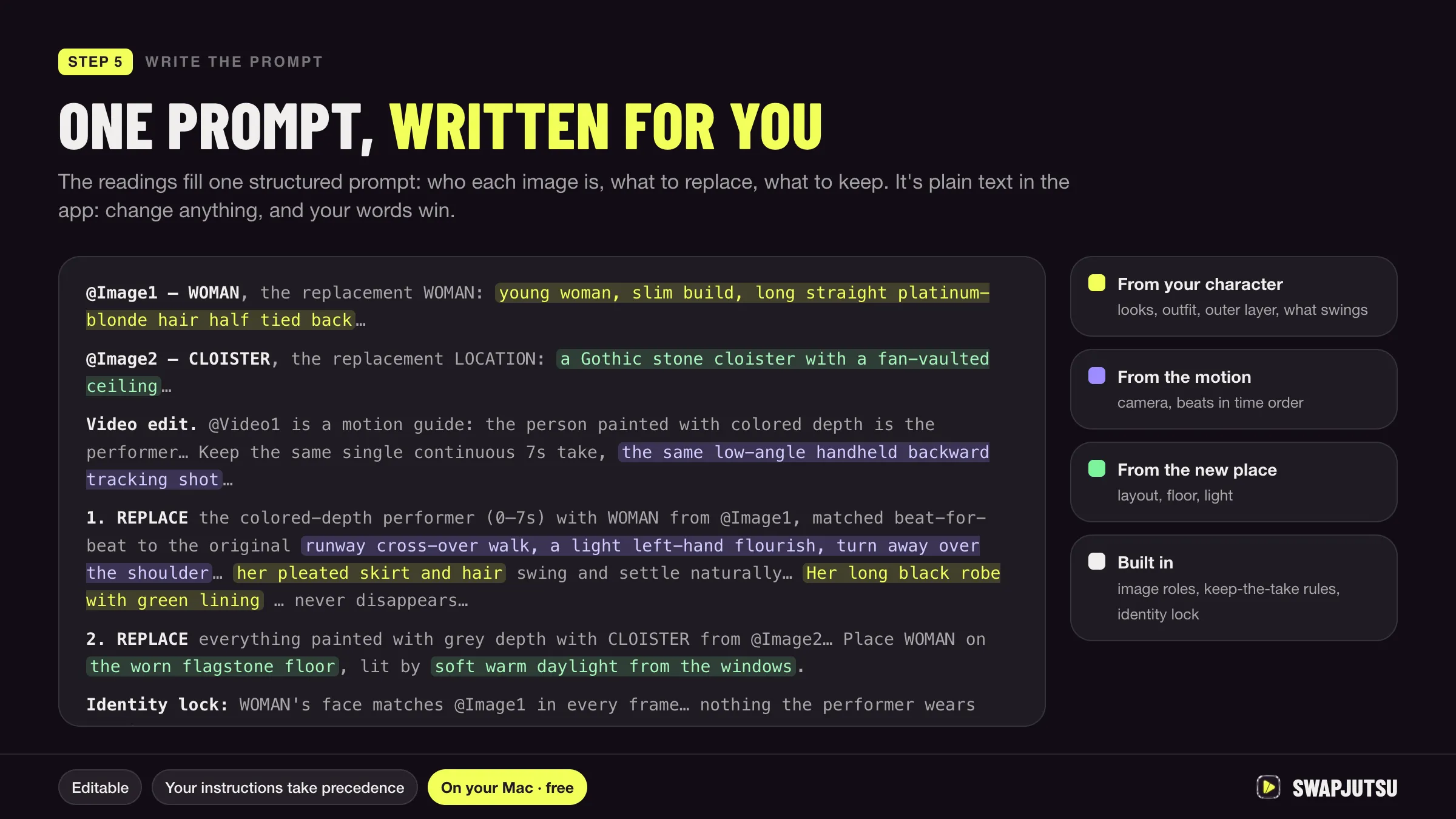
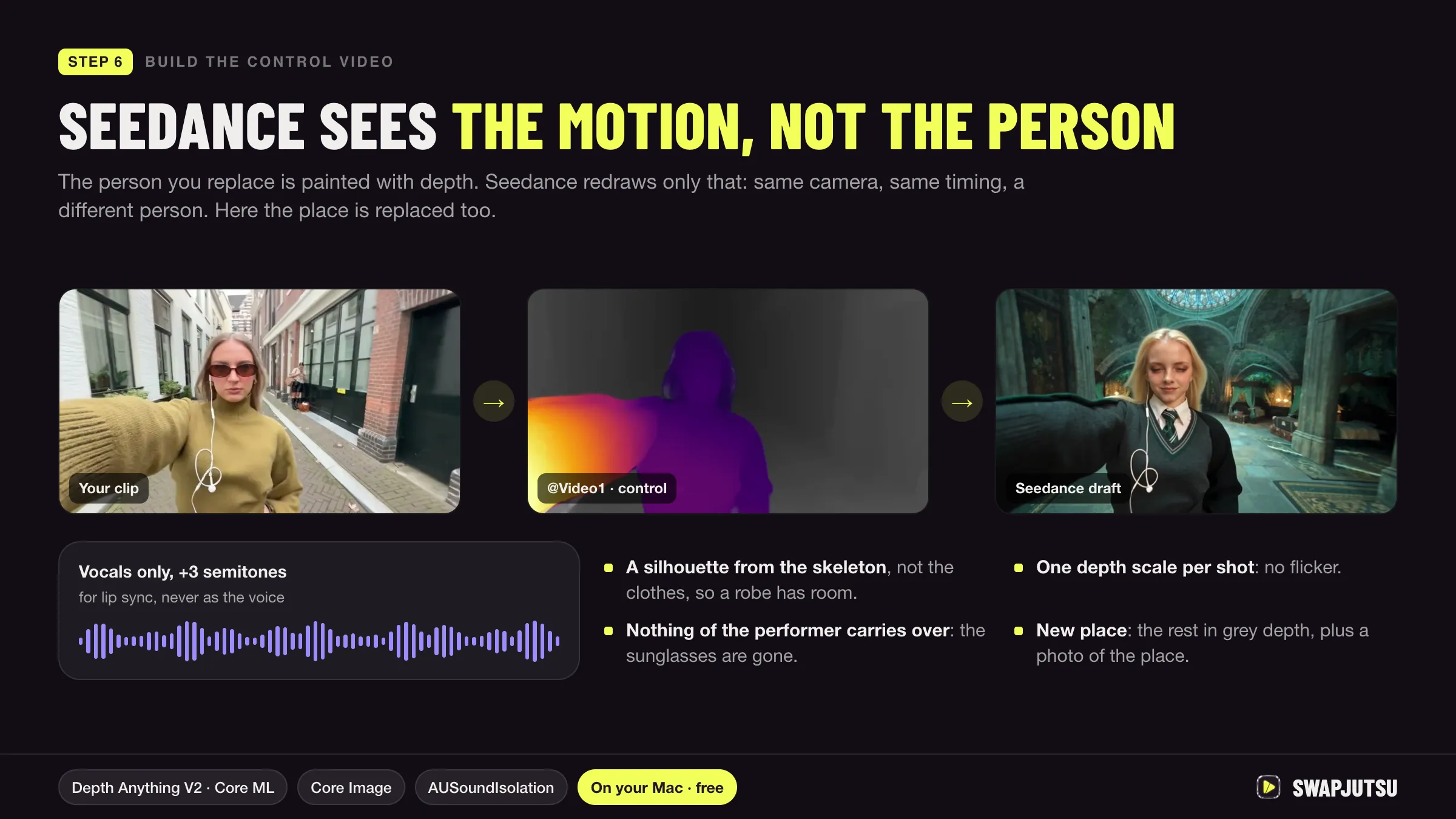
Swapjutsu is a free, open-source Mac app for character swap. It does the analysis on the Mac (masks, tracking, pose, depth and the prompt) and builds a control video, then sends only that video and your character images to Seedance 2.5 through Comfy.
It offers two Comfy routes. The default, Direct, calls the same API that ComfyUI’s Seedance reference node calls and spends prepaid credits with no subscription. The other runs the same workflow on Comfy Cloud and needs a Cloud plan. The workflow ships in the repo in ComfyUI’s API format, so you can open it in ComfyUI and run it by hand.
Swapjutsu follows Comfy’s two-stage flow: a 480p draft first, with the price shown before anything is sent, then Finalize 1080p within the 7 days a draft stays valid. A billed 5-second 480p draft came to 180 credits ($0.85). For how the control video is built, see how to swap a character in a video.
Sources
- Comfy docs: Seedance 2.5 workflows
- Comfy docs: Seedance 2.5 draft mode
- Comfy docs: Partner Nodes overview
- Comfy docs: Partner Nodes pricing
- Comfy support: Partner Nodes pricing (211 credits = 1 USD)
- Comfy Cloud pricing
- Swapjutsu on GitHub: README and docs/COMFY_API.md
- Jutsu Studio's Higgsfield price table (rates checked October 15, 2026)
Swap characters on your Mac.
Swapjutsu is free and open source. The prep runs on your Mac; only the render is billed, or nothing on your own ComfyUI.