Jutsu Studio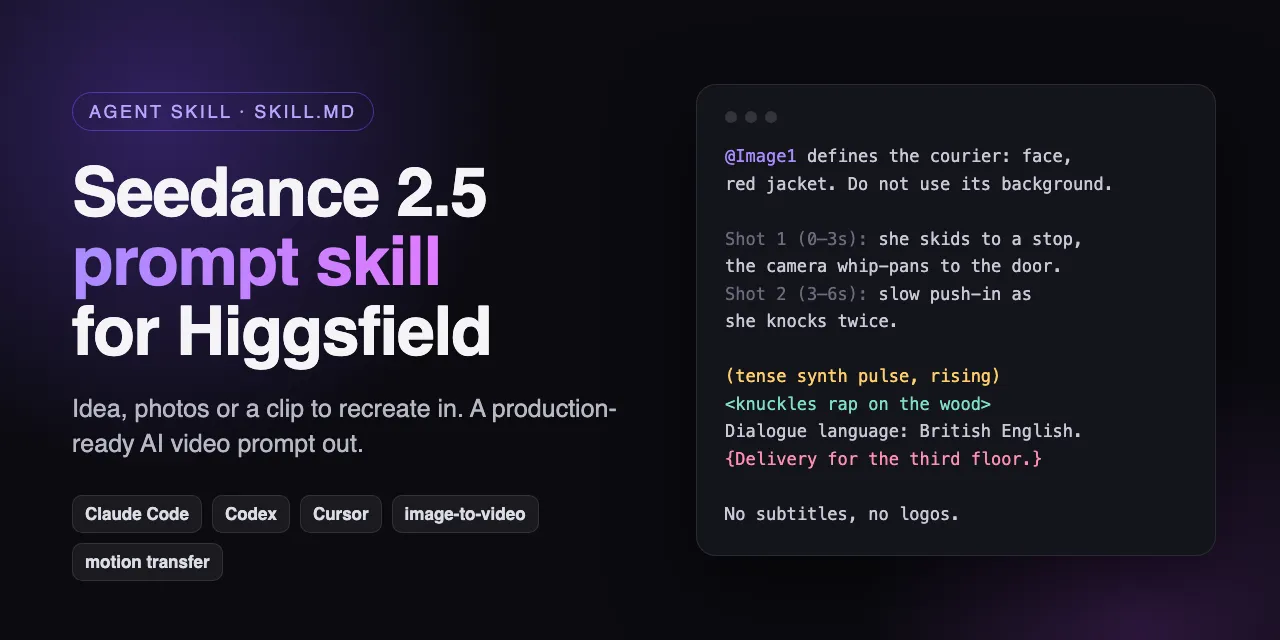
In short
- The Seedance 2.5 prompt skill is a free, MIT-licensed SKILL.md folder for Claude Code, Codex, Cursor and other agents that read Agent Skills.
- It writes the prompt, an @Image/@Video tag table and the settings to pick in Higgsfield; it does not generate video or spend credits.
- With ffmpeg installed, it measures a reference video (duration, cut times, a 24-frame contact sheet) before writing, instead of guessing what is in it.
- It ships nine worked examples, from text-to-video to a 30-second one-take, and a symptom → cause → fix table for failed generations.
The Seedance 2.5 prompt skill is a free, open-source add-on for AI coding agents that writes video prompts for Higgsfield. You describe an idea, attach reference photos or a clip you want to recreate, and the agent answers with the settings to pick, a table of which file is @Image1 and which is @Video1, and a prompt ready to paste. It works in Claude Code, Codex, Cursor and any agent that reads the open Agent Skills (SKILL.md) format.
It is made by the team behind Jutsu Studio, it is MIT-licensed, and it is not affiliated with Higgsfield or ByteDance. The code is at github.com/jutsuhq/higgsfield-seedance-prompt-skill.
Why a skill instead of a prompt template
Seedance 2.5 renders picture, dialogue, sound effects and music in one pass, from text and up to about 50 image, video and audio references. That makes a good prompt long and full of small rules: which bracket is music and which is a sound effect, that the default spoken language is Chinese unless you declare another, that every reference needs an exclusion or its background leaks in, how many beats fit into eight seconds. A template covers the shape. A skill applies the rules to your actual files.
The difference shows most with a reference video. The skill never guesses what is in one. It runs a small script that reports the clip’s length, size and cut times and saves a contact sheet of 24 evenly spaced frames, then writes the prompt from what it saw.
For the rules themselves, without an agent, see the Seedance prompt guide, which goes through ByteDance’s own formula and examples.
Install
In Claude Code, clone the repository into your skills folder:
git clone https://github.com/jutsuhq/higgsfield-seedance-prompt-skill ~/.claude/skills/higgsfield-seedance-prompt-skillThat installs it for every project. For one project only, clone it into .claude/skills/higgsfield-seedance-prompt-skill inside that project. Codex, Cursor and other agents take the same folder in their own skills directory.
Optionally, brew install ffmpeg lets it analyse reference videos. Without ffmpeg it still writes prompts from text and images.
There is nothing to configure and no API key. The agent loads the skill when you ask for a Seedance or Higgsfield video prompt, for example “animate this portrait for TikTok” or “repeat this clip with my character”.
What it answers with
Every answer has the same five parts:
- one line on what the source or idea is;
- a
Tag | Filetable for every reference, in upload order; - the settings to choose in Higgsfield: mode, aspect ratio and duration (4–30 seconds), kept out of the prompt itself;
- the prompt, in English, in one code block;
- two or three notes on what to change if the clip is rejected, cuts badly, drifts or garbles text.
Here is the example from the README. The request is “animate this portrait of my character in the rain, 5 seconds, for TikTok”, with one image attached. The settings are omni-reference, 9:16, 5 s, and the prompt:
@Image1 is the first frame and defines the young woman: her face, short black bob, yellow raincoat and the neon-lit wet street behind her. Keep the composition and lighting of @Image1 exactly.
Rain keeps falling as she slowly lifts her face toward the sky, closes her eyes, and a small smile spreads as the drops hit her cheeks; she pulls the hood back with one hand.
The camera holds still for a beat, then drifts in slowly to a close-up of her face.
The visuals keep the pink and blue neon reflections, the rain streaks in the light and soft film grain.
Audio: <steady rain on the pavement and on the raincoat hood> <distant traffic swishing through puddles>. No music, no dialogue.
Her face matches @Image1 in every frame. No text, no logos, no watermarks.
Each line does one job: the reference and what to keep, one action with a beginning and an end, the camera as an ordered sequence, the look, two concrete sounds, and the locks at the end.
What it covers
The skill picks a mode from what you give it:
| Goal | Mode |
|---|---|
| An idea, no references | Text-to-video |
| Animate a photo, or cast characters, places and props from images | Omni-reference, with the first image as the first frame if you want |
| Get from one still to another | First and last frame |
| Copy a clip’s motion, camera or timing with a new character | @Video1 as a motion reference, or Higgsfield’s motion-transfer tool |
| Change one element of a finished clip | Video edit |
| Make a clip longer | Video extension |
| Change only clothing or an object while the person stays | A swap or object-swap tool |
On top of the modes it handles:
- Recreating a viral clip with your own character, product or car, from the measured cuts and contact sheet.
- Montages from stills: timed shots such as
Shot 1 (0–2s), @Image1: …whose ranges add up to the duration, with a change of both angle and shot size at every cut so they don’t dissolve into each other. - 30-second one-takes, written as stages with one main change and an explicit end state each, so the second half doesn’t drift.
- Sound and dialogue in Seedance’s bracket syntax:
( )music,< >one sound effect per event,{ }a spoken line,【 】on-screen text, with the language and accent declared before every line. - Camera language from a vocabulary file: dolly, orbit, whip pan, dolly zoom, FPV, lenses, lighting and film looks.
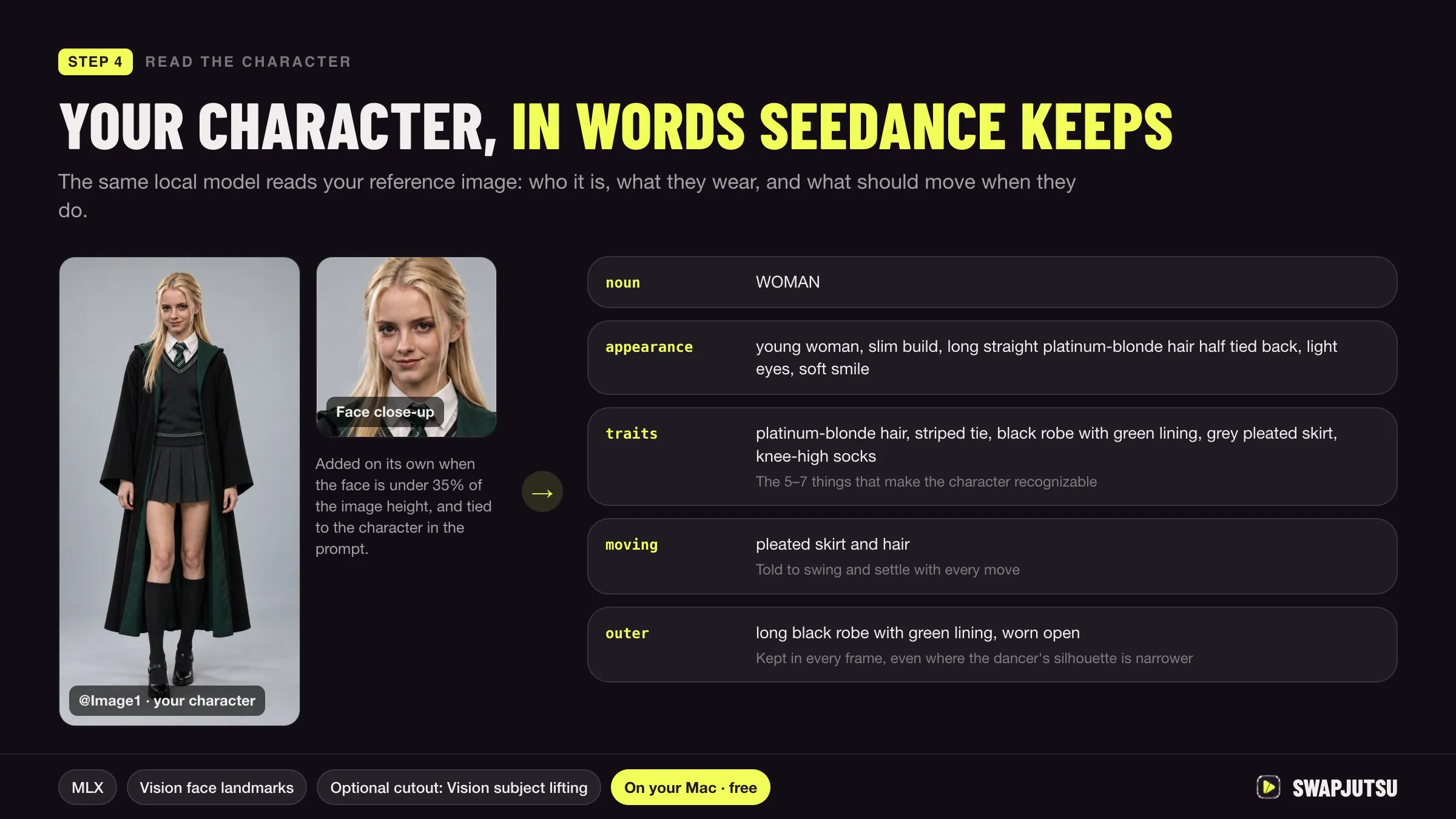
- Characters described without names. Higgsfield blocks real public figures and recognisable characters and scans references for IP, so the skill describes original characters by appearance: age and build, face, hair, clothing top to bottom, pose, expression, setting.
The rules it applies
The reference file condenses Higgsfield’s Seedance 2.5 Director’s Workshop and prompting guide, CapCut Dreamina’s motion reference guide and general film terminology. A few of the rules:
- Formula: subject and action, scene, visual style, camera, audio. Only subject and action are required, but each missing block has a typical failure: no style block lets the look drift, no audio block gives generic sound.
- References: one file per subject, each with a role and an exclusion (“Do not use the background of @Image1”). “Must strictly follow” is the strongest binding; spend it on faces.
- Budgets: 3–5 beats in 8 seconds, 4–6 in 15, 6–9 windows in 30. Per 8 seconds, at most two lines of dialogue. Over budget, split the idea into several generations.
- Locks: state critical bans twice, in the body and in the closing lines. Numbers beat adjectives (“three candles, all lit”). End mid-motion, not on a held pose.
- Dense prose fails. Cut adjectives before you cut camera or timing instructions.
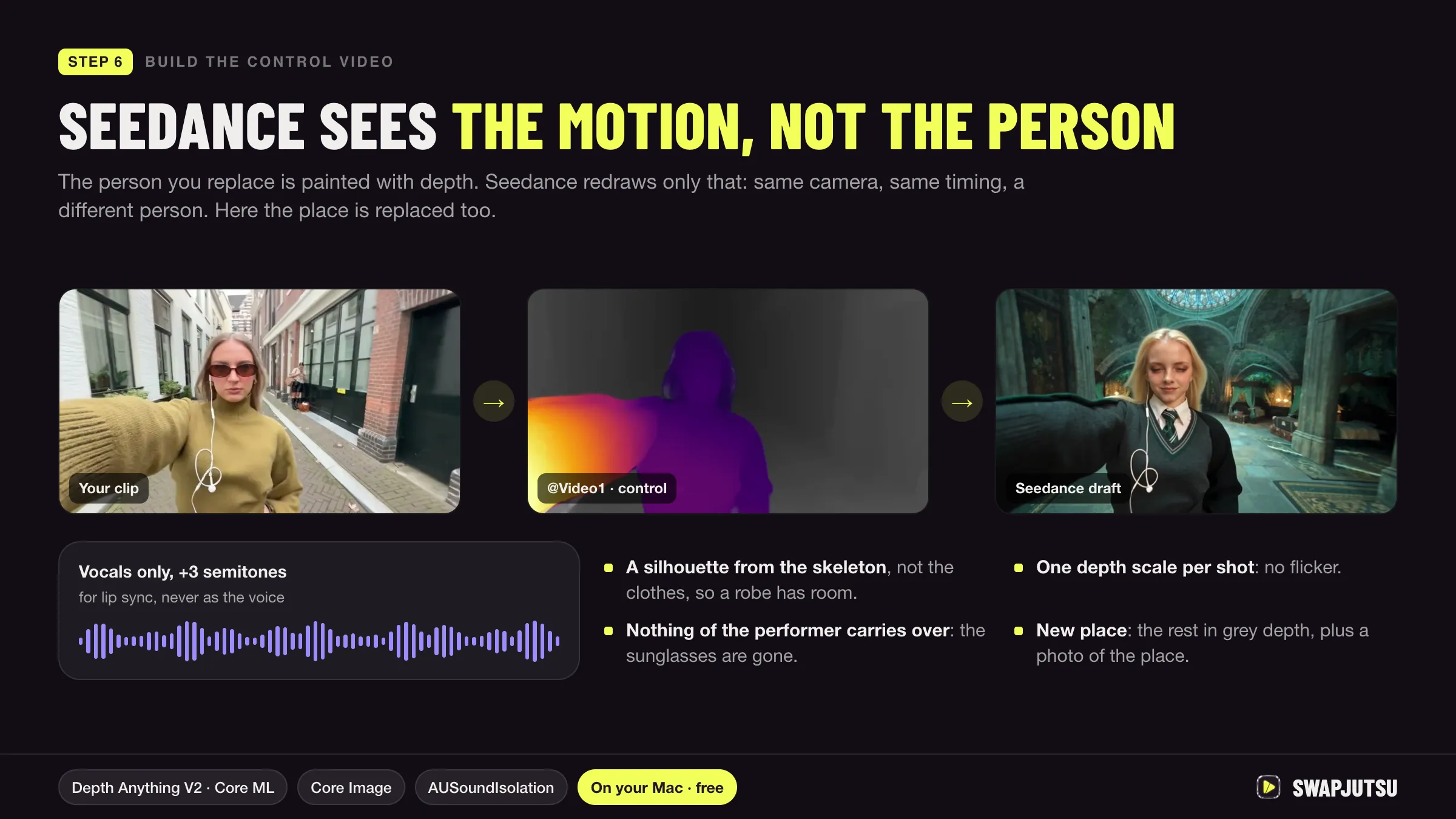
For a motion reference, the binding reads: @Video1 defines only the body motion, timing and camera path; @Image1 defines the character; do not copy the person, clothing or background of @Video1. Without that last sentence, the original actor leaks into the result. The same idea is behind character swap with Seedance.
Fixing a failed generation
When a render goes wrong, the skill looks up the symptom in a table and changes only the lines that cause it, instead of rerolling or adding more “don’t” lines:
| Symptom | Cause | Fix |
|---|---|---|
| Two characters fuse | Bodies overlap and share pixels | Separate silhouettes, shorten the overlap, keep the camera out of it |
| Random cuts | The camera block has no order | Write the camera as a sequence, or “one shot, no cuts” twice |
| Music appears uninvited | “No music” stated once | State it in the audio block and in the closing locks |
| Garbled text | Exact text is hard for the model | Short 【 】 text, or add it in post |
| Face drifts from the reference | Weak binding | “Must strictly follow @Image1” and a cleaner, front-lit reference |
The repository’s example 9 walks through one: two sword fighters merged halfway through and music appeared. The fix gives them contrasting outfits and fixed sides of the screen, makes every exchange one strike followed by a separation, and states “no music” twice. Adding “do not merge” lines makes fusion worse, because they compete with the action beats.
The nine examples
Each example is a full worked answer: the request, the reference table, the settings, the prompt and why it works.
| Example | Mode |
|---|---|
| Idea to an 8-second clip | Text-to-video |
| Bring one photo to life | Image-to-video |
| Cut several stills into one video | Multi-shot montage |
| Repeat a viral clip with your character | Motion reference |
| Get from one still to another | First and last frame |
| Tell a 30-second story in one take | Staged one-take |
| Two characters talking | Dialogue and accents |
| Describe a character without names | Character description |
| Fix a failed generation | Repair |
What it does not do
It does not generate video and never touches your Higgsfield account or credits. You paste the prompt into Higgsfield yourself, or into anything else that runs Seedance 2.5, such as the API or ComfyUI. Limits such as durations and reference counts change; the skill says to check the Higgsfield interface when a number matters. Model facts, modes and prices are in the Seedance 2.5 guide.
Where it fits with Jutsu Studio and Swapjutsu
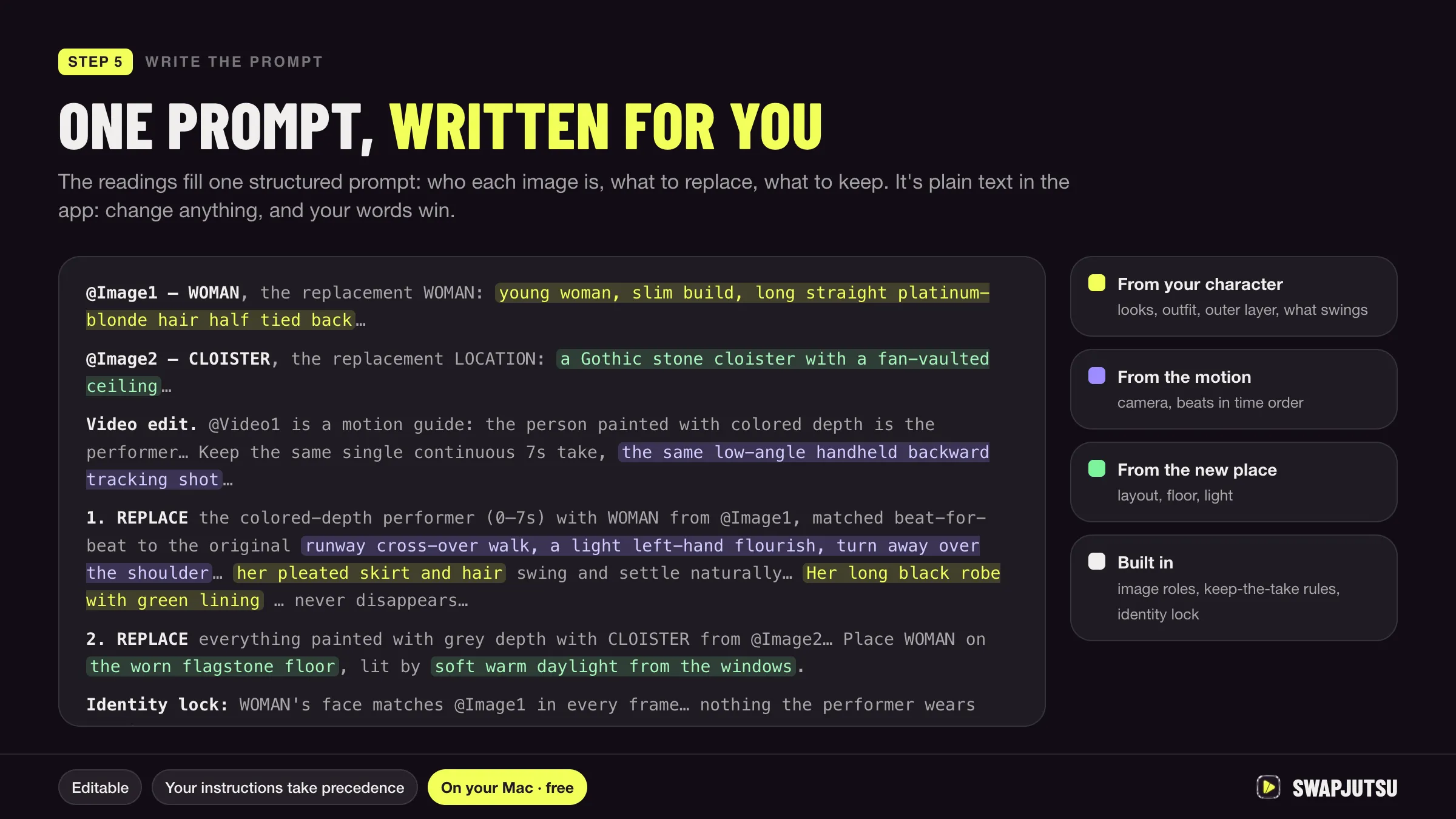
The skill writes prompts; the apps run them. Jutsu Studio runs Seedance 2.5 and Higgsfield’s other models from a Mac with the price shown before anything is uploaded, so a prompt from the skill goes into a queued job with a known cost. Swapjutsu builds its own structured Seedance prompt from what the Mac reads in the clip, for character swap specifically. Per-second rates for each model are on the Higgsfield price table.
Sources
Run Higgsfield from your Mac.
Jutsu Studio is a free, open-source Mac app for Higgsfield: a queue, a local library and the price on every button.