Jutsu Studio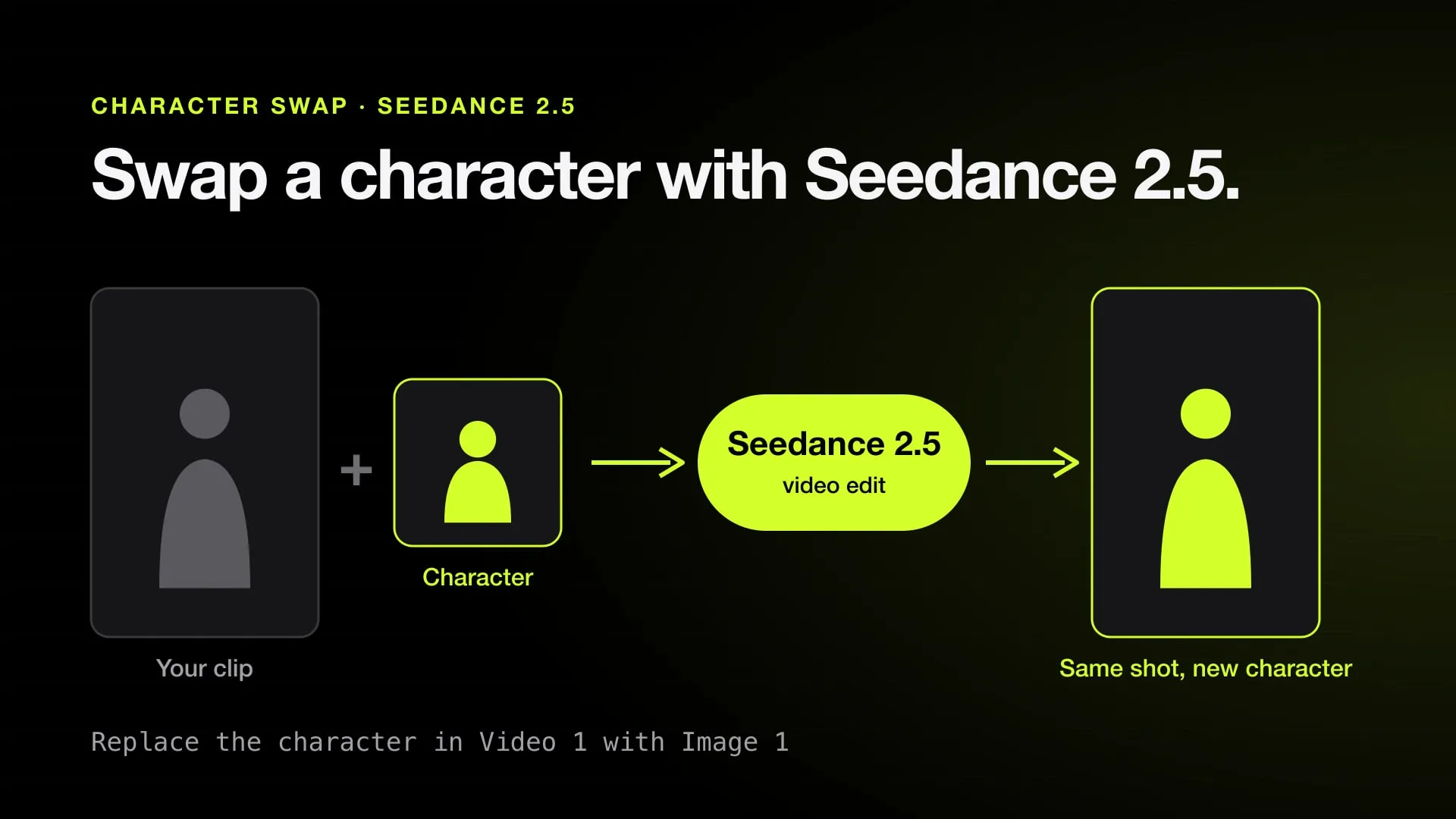
In short
- Seedance 2.5 swaps a character through its video edit mode: you send the clip and an image, and write "replace the character in Video 1 with Image 1".
- Swapjutsu, a free open-source Mac app, renders a 10-second Seedance 2.5 swap through Comfy for about $1.71 as a 480p draft and $3.96 at 720p, with no watermark.
- The same 10 seconds at 720p cost $5.55 through Higgsfield's video edit API, which bills the input clip as well as the output.
- BytePlus says Seedance 2.5 does not accept reference images or videos with real human faces unless they come through an authorized route.
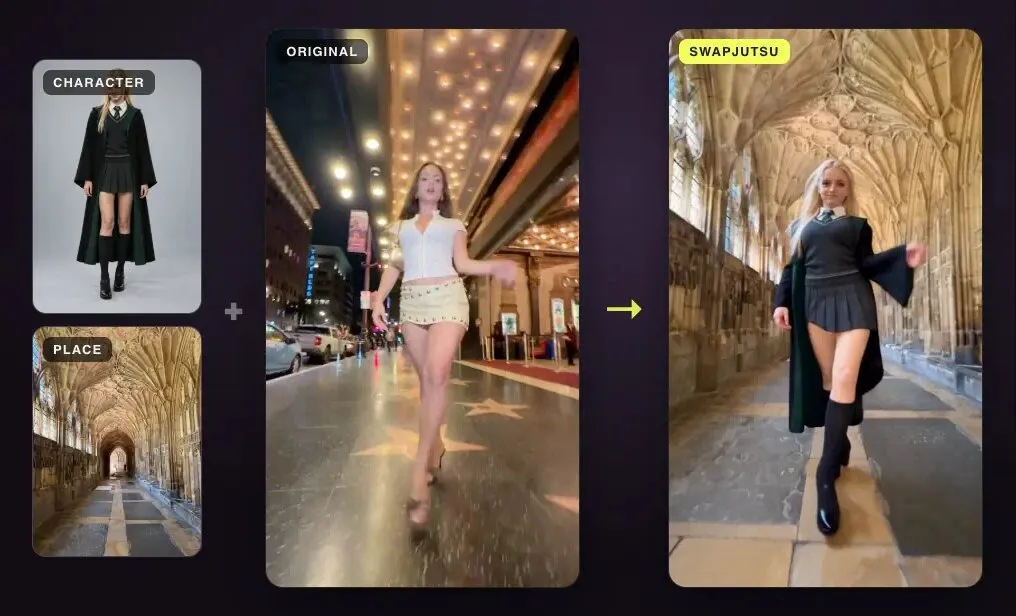
Seedance 2.5 swaps a character through its video edit mode: you give it the clip, an image of the new character and an instruction like “replace the character in Video 1 with Image 1”, and it redraws the person while the camera, the moves and the background stay. On a Mac, Swapjutsu is the free app built for exactly this: it prepares the clip on the Mac and renders through Comfy for about $1.71 per 10 seconds as a 480p draft, with no watermark. On the web, Higgsfield and ByteDance’s Dreamina sell Seedance 2.5, and ComfyUI has it as a partner node.
All prices below were checked in October 2026 and are for 10 seconds of video.
Where Seedance 2.5 character swap runs
| Route | Where | Mac | 10 s at 480p | 10 s at 720p |
|---|---|---|---|---|
| Swapjutsu, via Comfy | Mac app; render on Comfy | Native, Apple silicon | About $1.71 | $3.96 |
| Jutsu Studio, Higgsfield account | Mac app; render on Higgsfield | Native | 30 credits | 70 credits |
| Higgsfield API, video edit | API | Any | $2.47 | $5.55 |
| Comfy partner node | ComfyUI, cloud render | Any Mac | About $1.71 | $3.96 |
| Dreamina | Web, ByteDance | Browser | Not published per edit | 370 credits per 10 s clip, about $3.25–3.52 |
| BytePlus ModelArk API | API | Any | About $0.10 a second without video input | About $0.23 a second without video input |
Swapjutsu and Jutsu Studio are free apps and add no watermark of their own; you pay only the render.
Higgsfield’s edit price includes the input clip, because Seedance’s video edit bills the seconds you send as well as the seconds you get back. BytePlus’s per-second figures are for clips without a video input, so an edit costs more there than the table shows. On a Higgsfield plan, 70 credits is about $3.01 on Ultra billed monthly and $3.44 on Plus; see what Higgsfield video costs per second.
How the swap works
Seedance 2.5 does not track the person itself the way a dedicated swap tool does. It reads the clip, the image and the sentence together and draws a new video that keeps what the instruction does not mention. ByteDance’s prompt guide gives the pattern almost word for word: replace the character in the video with the one in the image.
That makes the result depend on three things:
- The clip. Video edit takes 4 to 30 seconds, and ByteDance says edits of 20 seconds or less are more stable. A wide shot stays wide: a face that is small in the source stays small in the result.
- The reference. A clean headshot and a full-body image of the character work better than one busy picture; Seedance character consistency covers how to prepare them.
- The prompt. Name the person to replace if there are several (“the man in the red jacket on the left”), and say what must stay: the motion, the camera and the timing.
One hard limit: BytePlus says Seedance 2.5 rejects reference images and videos with real human faces unless they come through an authorized route. A swap into an original or AI-generated character works; a swap into a photo of a real person does not.
Swapjutsu: Seedance 2.5 swap on a Mac
Swapjutsu is a free, open-source (MIT) Mac app that turns a clip into a Seedance 2.5 swap. Everything that makes a swap hold together runs on the Mac and costs nothing: cuts, a mask for each person, tracking, pose, depth, a control video and a structured prompt written from the clip by a local vision model. Only the render leaves the Mac.
- Render on Comfy with Seedance 2.5. Billed in Comfy credits at 211 to the dollar: a 10-second 480p draft is about $1.71, 720p $3.96 and 1080p about $9.75. The app shows the price before it sends anything.
- Render on your own ComfyUI with Wan 2.2 Animate. On this Mac, another Mac or a PC with a GPU on your network. That render costs nothing.
It needs an Apple silicon Mac with macOS 15 or later, preparing takes about 3 to 5 seconds per second of video on an idle M4, and there is no web or Windows version. The full walkthrough is in how to swap a character in a video.
If you already have a Higgsfield plan, Jutsu Studio runs Seedance 2.5 on it from the same Mac: a source clip, character images and a prompt, with the credit price on the Generate button.
The other routes
- Dreamina is ByteDance’s own app and the first place Seedance 2.5 shipped. It sells it on its own credit plans, 370 credits for a 10-second 720p clip, and describes free access as a trial for eligible users whose amounts vary by account and region.
- Higgsfield runs Seedance 2.5 on the website and through its API. The API’s video edit lists $0.2467 a second at 480p and $0.555 at 720p, input included.
- ComfyUI has Seedance 2.5 as a paid partner node: the render runs on ByteDance’s servers, so any Mac can use it; see Seedance 2.5 in ComfyUI.
- BytePlus ModelArk is ByteDance’s own API and the cheapest per second, if you write the code that calls it.
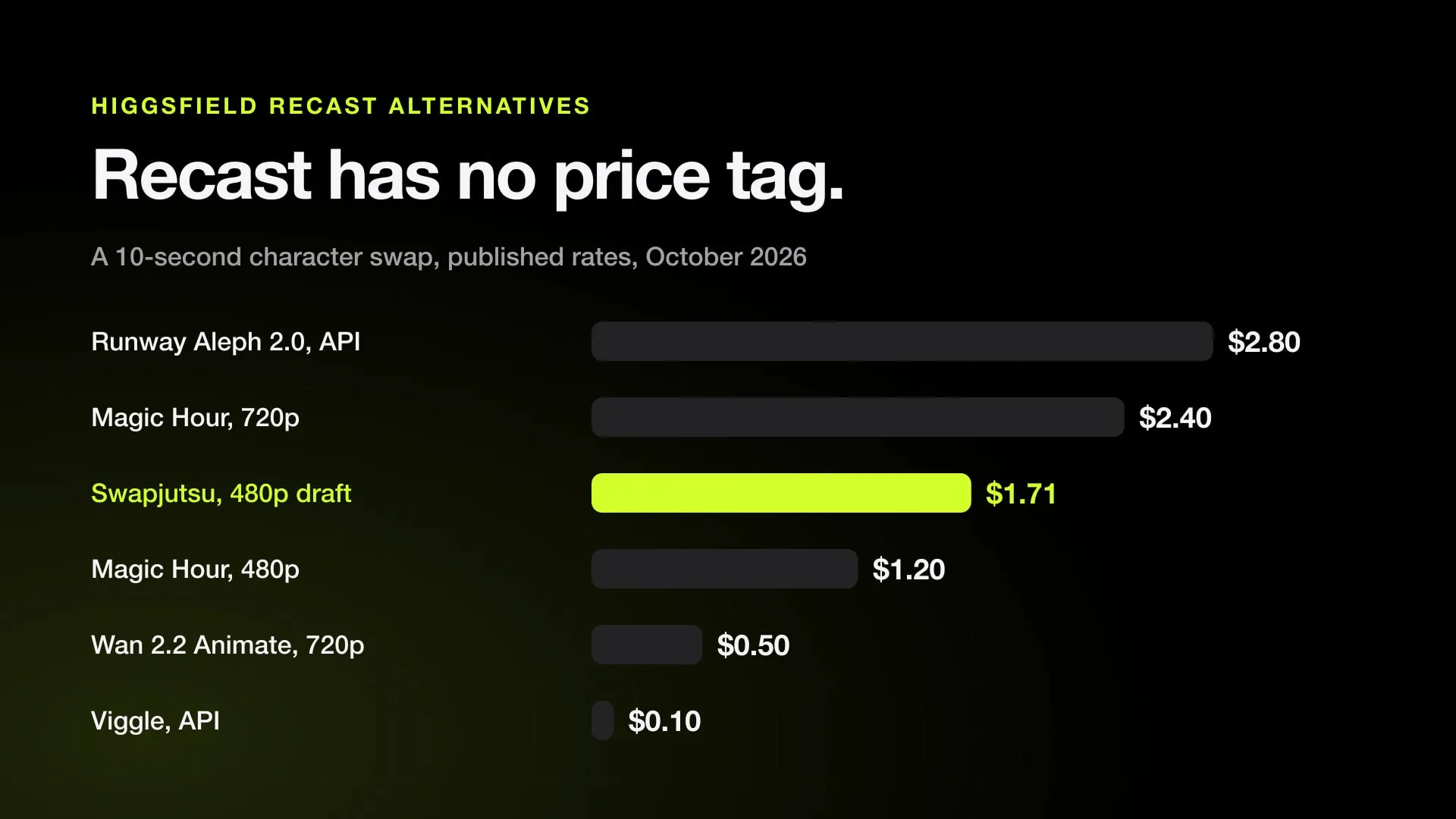
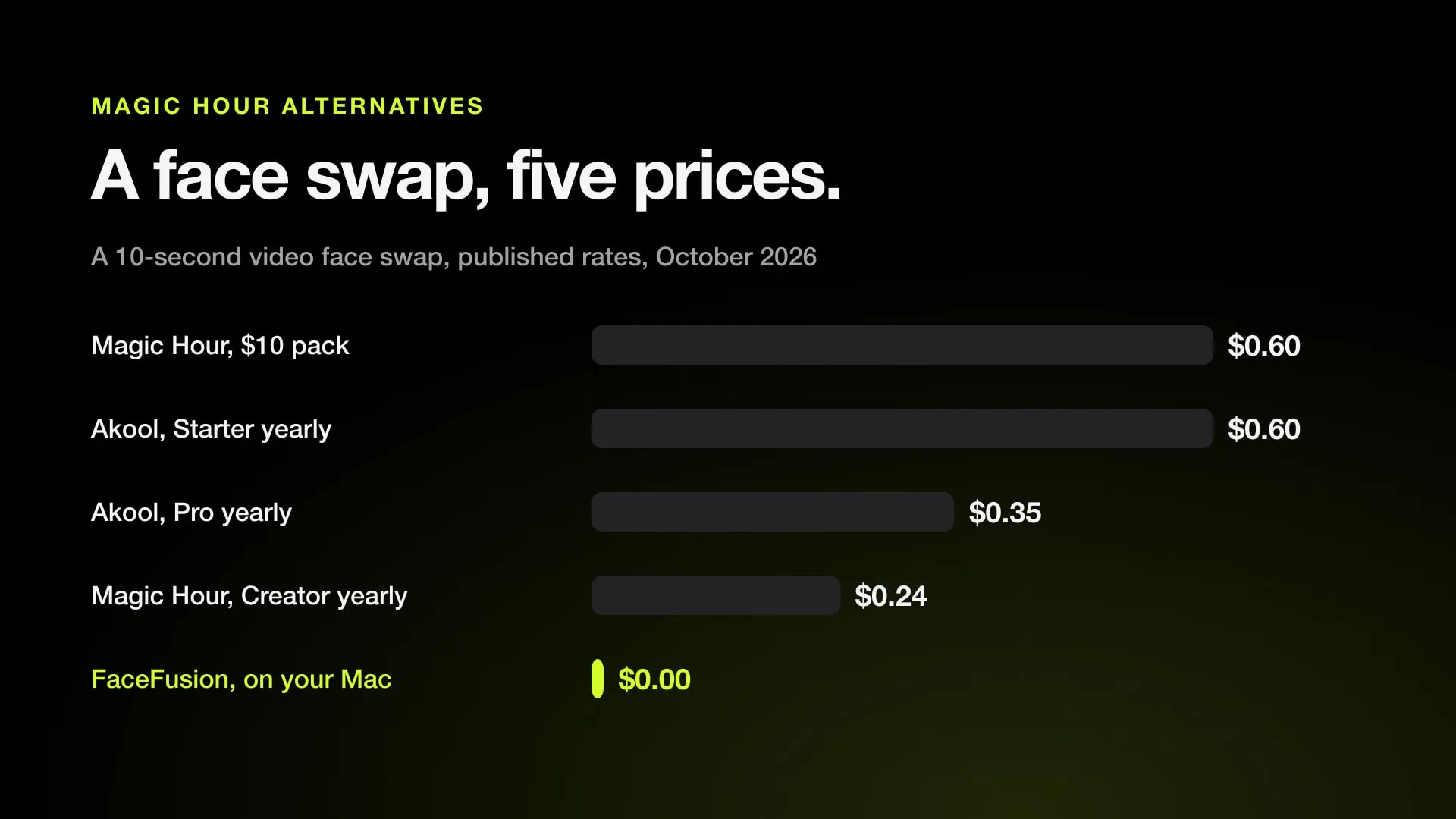
Other character-swap tools, such as Magic Hour, Viggle, Runway Aleph or Kling Motion Control, run other models; they are compared in the best AI character swap tools.
Which to pick
- On a Mac, for the lowest cost per take: Swapjutsu through Comfy, drafting at 480p and finishing at 720p.
- If you already pay for Higgsfield: Jutsu Studio or the Higgsfield website, on your plan’s credits.
- In a browser, with no setup: Dreamina or Higgsfield.
- In your own pipeline: BytePlus’s API, or the Comfy partner node inside a ComfyUI workflow.
Sources
- BytePlus ModelArk: Dreamina Seedance 2.5 prompt guide (updated October 16, 2026)
- BytePlus ModelArk: Create portrait videos with Dreamina Seedance models (updated October 8, 2026)
- Higgsfield API: Seedance 2.5 video edit
- Comfy docs: Seedance 2.5 workflows
- Comfy support: Partner Nodes pricing (211 credits = 1 USD)
- Dreamina: Seedance pricing (October 23, 2026)
- Swapjutsu on GitHub
Swap characters on your Mac.
Swapjutsu is free and open source. The prep runs on your Mac; only the render is billed, or nothing on your own ComfyUI.