Jutsu Studio
In short
- Through the API, Genjutsu Lite takes a 4–15 second source and 1–10 images; full Genjutsu takes 4–30 seconds and 1–8 images. Object Swap on Lite runs at 720p and 1080p only.
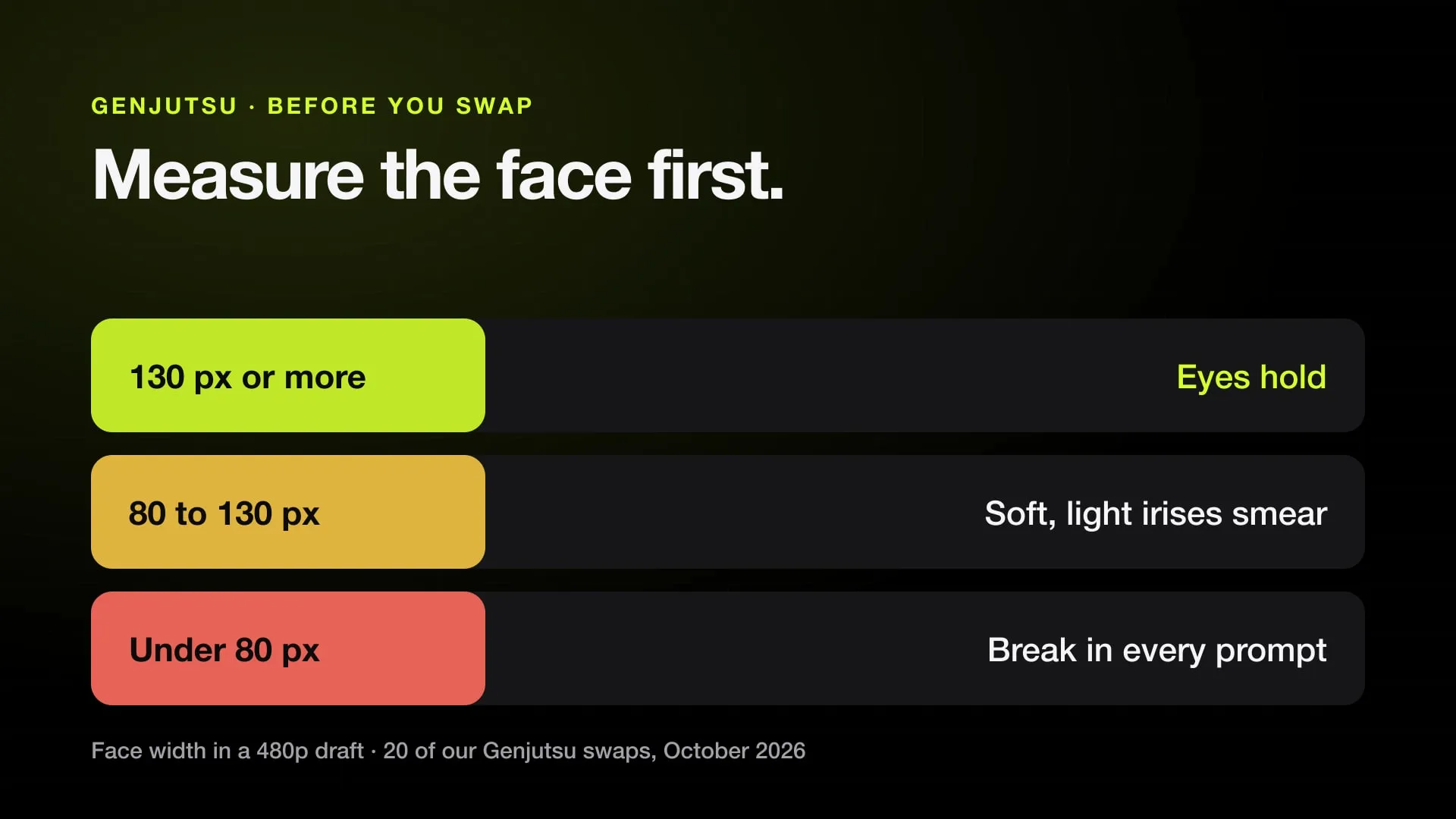
- Face size decides the eyes. In a review of 20 of our swaps, faces 130 px or wider in the 480p draft kept their eyes, 80–130 px went soft, and under 80 px the eyes broke in every prompt. An upscaler does not bring them back.
- Live footage with clean contact swaps well. Plastic or cartoon rendering, hands passing through props and long stretches with the person off screen carry over into the result.
- The swap follows the stills more than the prompt: a first frame with the new character in the source shot, one face image, one outfit image, and one still per later shot if the clip has cuts.
- Genjutsu Lite at 480p cost about 1 credit a second in our runs, so a draft of a 7-second clip was 8 credits.
A good Genjutsu swap is decided before you press Generate. Pick a clip the model can follow, check that the faces are big enough, make still images of your character in the clip’s own frames, then draft on Genjutsu Lite at 480p and render the final once. Genjutsu keeps the motion, camera and timing of the source, so it copies the source’s faults too.
The rules below come from our own character swaps in October 2026, run through Higgsfield’s API. What Genjutsu is and what it costs per mode is in Higgsfield Genjutsu: how it works.
The limits
| Through the API | Genjutsu Lite | Genjutsu |
|---|---|---|
| Source length | 4–15 s | 4–30 s |
| Reference images | 1–10 | 1–8 |
| Motion Transfer | 480p, 720p, 1080p | 480p, 720p, 1080p |
| Object Swap | 720p, 1080p | 480p, 720p, 1080p |
| Restyle | no | yes |
The result is as long as the part of the clip you send, and you pay per second of it.
1. Pick a clip that will swap
Genjutsu changes who is in the shot and nothing else. Reject a source that needs something it can’t do:
- Live footage only. Plastic, clay or cartoon rendering in the source stays in the result.
- Clean contact. A hand passing through a prop or a morphing object comes through in the swap.
- The person stays in view. Someone off screen or covered for most of the clip has nothing to anchor to and comes out unstable.
- One or two people, large in the frame. Crowds, spins, fast blur and hands over the face are where faces drift. Trim to the part where the face is readable.
- The action, line and camera can’t change. A new move or a new angle is a new generation, for example on Seedance 2.5.
2. Measure the face
This is the check that saves the most credits. Measure the face width in the source, scaled to the short side of the render: 480 px for a 480p draft. In a review of 20 of our finished swaps:
| Face width at 480p | What the eyes did |
|---|---|
| 130 px or more | Held, including blinks when the prompt asked for them |
| 80–130 px | Soft; light irises (blue, amber, grey) started to smear |
| Under 80 px | Broke in every prompt: dark sockets, white blobs for irises, two eye colours, pupils looking apart |
The defect is already in the 480p draft, and upscaling makes it worse: a 4× upscaler sharpens the smear into painted-looking eyes and jagged highlights. If the face is too small, crop the source tighter around the people you are swapping (keep the aspect ratio and everyone you need in frame), render at 720p, which costs about twice as much, or pick another clip.
3. Prepare the source
- Trim to 4–15 seconds on Lite, and to the stretch where faces are readable.
- Re-encode to H.264. A 1080×1440 HEVC file failed at once with “Something went wrong”; re-encoded with
ffmpeg -i in.mov -c:v libx264 -crf 18 -pix_fmt yuv420p out.mp4the same clip went through. - Cut risky stretches. Bare skin and lying-down poses trigger moderation more often than the rest of a clip.
- Note the cuts. A clip with cuts works if the prompt gives each cut’s time, but a single continuous take is the safest input.
4. Make the stills
Genjutsu follows its reference images more than its prompt, so this is where the effort goes:
- A first frame. Your character placed into the source’s first frame: same pose, framing and light. This anchors the face, clothes and realism for the whole clip.
- One still per later shot if the clip has cuts, made from the first frame so the character stays the same.
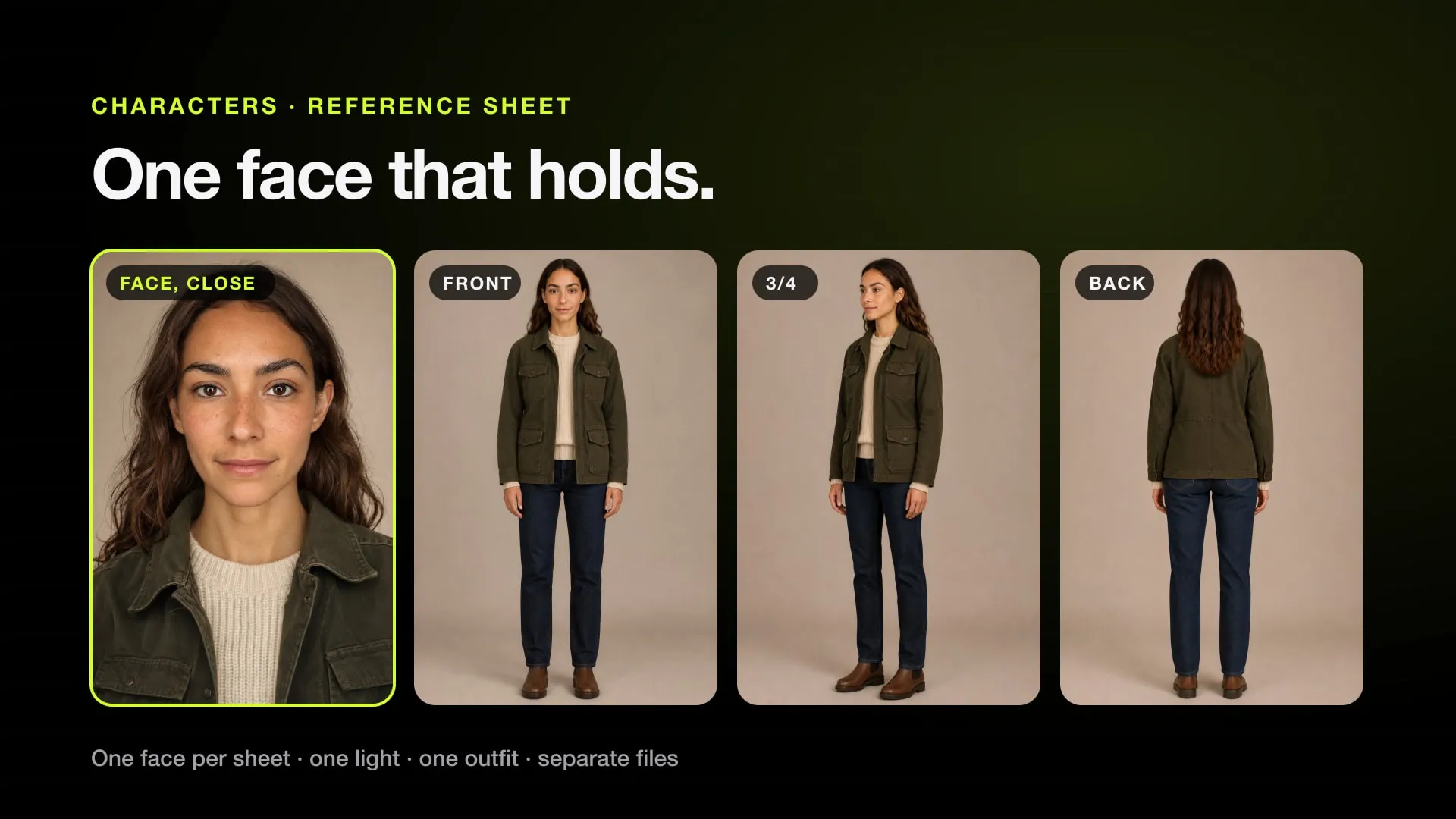
- One face image. A head-and-shoulders crop of the character, ideally cut from one of the stills so it matches their light.
- One outfit or body image if the body drifts toward the source person’s build.
- Props, hats and helmets as their own images, never baked into the face crop.
Check each still against its source frame before uploading: pose, hand grip, size in the frame, every garment. When a still is right except one detail, edit that detail with an image model instead of making a new one.
5. Upload order and prompt
Upload in a fixed order and refer to each file by its tag:
| Tag | File |
|---|---|
| @Video1 | the trimmed source |
| @Image1 | the first frame |
| @Image2 | the face |
| @Image3 | the outfit or body |
| @Image4 and on | one still per later shot, in time order |
A prompt that maps each person and states the locks twice:
Recreate @Video1 exactly: the same <place>, the same camera moves, framing and timing. Only the woman changes.

The woman in the beige coat in @Video1 becomes the woman from @Image1: an original fictional character, <age and build, the same height and size in the frame as in @Video1>, <hair>, <clothes>. Her body and outfit follow @Image3. The face must strictly follow @Image2. Take only the person from @Image2: not its background, framing or light.

MOTION: copy every movement of @Video1 with the same energy and timing.
TIMELINE: the first frame is exactly @Image1; at 2.4 s as in @Image4.
FACE: expressions follow @Video1; the references define identity only. Both eyes the same <colour> iris, round pupils centred, both eyes looking at the same point. Blinks and squints follow @Video1.
LOOK: <the phone, where it is, the light sources, grain>.
Audio: keep the original audio of @Video1.

LOCKS: the same cuts as @Video1, exactly one person, always in her own clothes. The face strictly follows @Image2. No logos, no tattoos, no jewellery from @Video1.
The TIMELINE line ties each still to its moment; without it the model averages them. The FACE line keeps the character singing or laughing, because face images usually have a closed mouth, and the eye sentence stops a blink in the source from turning into half-open eyes with drifting irises.
Moderation applies as everywhere on Higgsfield: no real actors’ faces, no character, franchise or brand names, no logos. Describe the character by their look as an original one.
6. Draft on Lite at 480p
Genjutsu Lite at 480p cost about 1 credit a second in our runs: a 7-second draft was 8 credits, and most finished swaps took one draft at 4 to 15 credits. 720p is about twice that. Draft at 480p even when you want a 1080p result, and look at the draft before deciding anything else.
Check one thing in the output before you go on: Genjutsu sometimes returns 3:4 instead of 9:16 (a 554×740 draft in one of our runs), so read the dimensions before upscaling, and pad or crop to your format.
7. Check, fix, finish
Look at frames, not at the playing video: a contact sheet at about 2 frames a second, and both eyes of each face at close-ups, turns and blinks, side by side with the source. Then:
| Fault | Fix |
|---|---|
| Empty or mismatched eyes on wide shots | The face is too small: tighter crop, 720p or another clip. The prompt can’t fix it |
| Skin or eye colour drifts under warm light | Repeat the colour in the description and in the LOCKS (“charcoal, never brown”; “clearly blue even when small”) |
| The body drifts to the source person’s build | Add a body or outfit image and “her body keeps the proportions of @Image3 in every frame” |
| The character comes out taller than the source person | “The same height and size in the frame as in @Video1”, in the body and the LOCKS |
| Tattoos, logos or jewellery from the source come back | Ban them by name in the LOCKS |
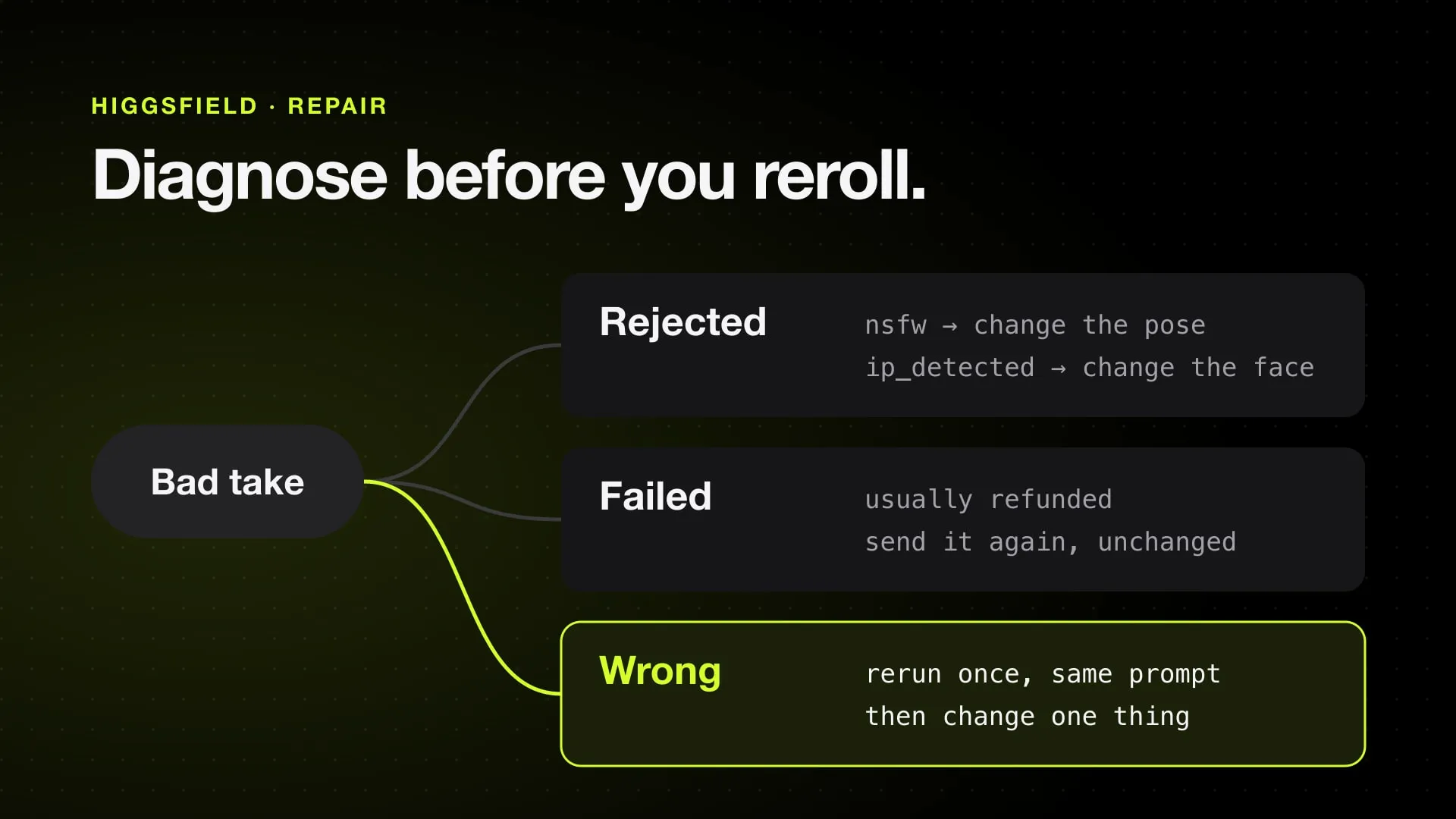
| A short glitch on one limb | Cut that span in editing; a reroll costs the full price again |
When the draft is right, either render it once at a higher resolution or upscale the 480p draft. If Genjutsu is not the right tool for the clip at all, Genjutsu alternatives and Kling Motion Control vs Genjutsu cover the other ways to swap a character.
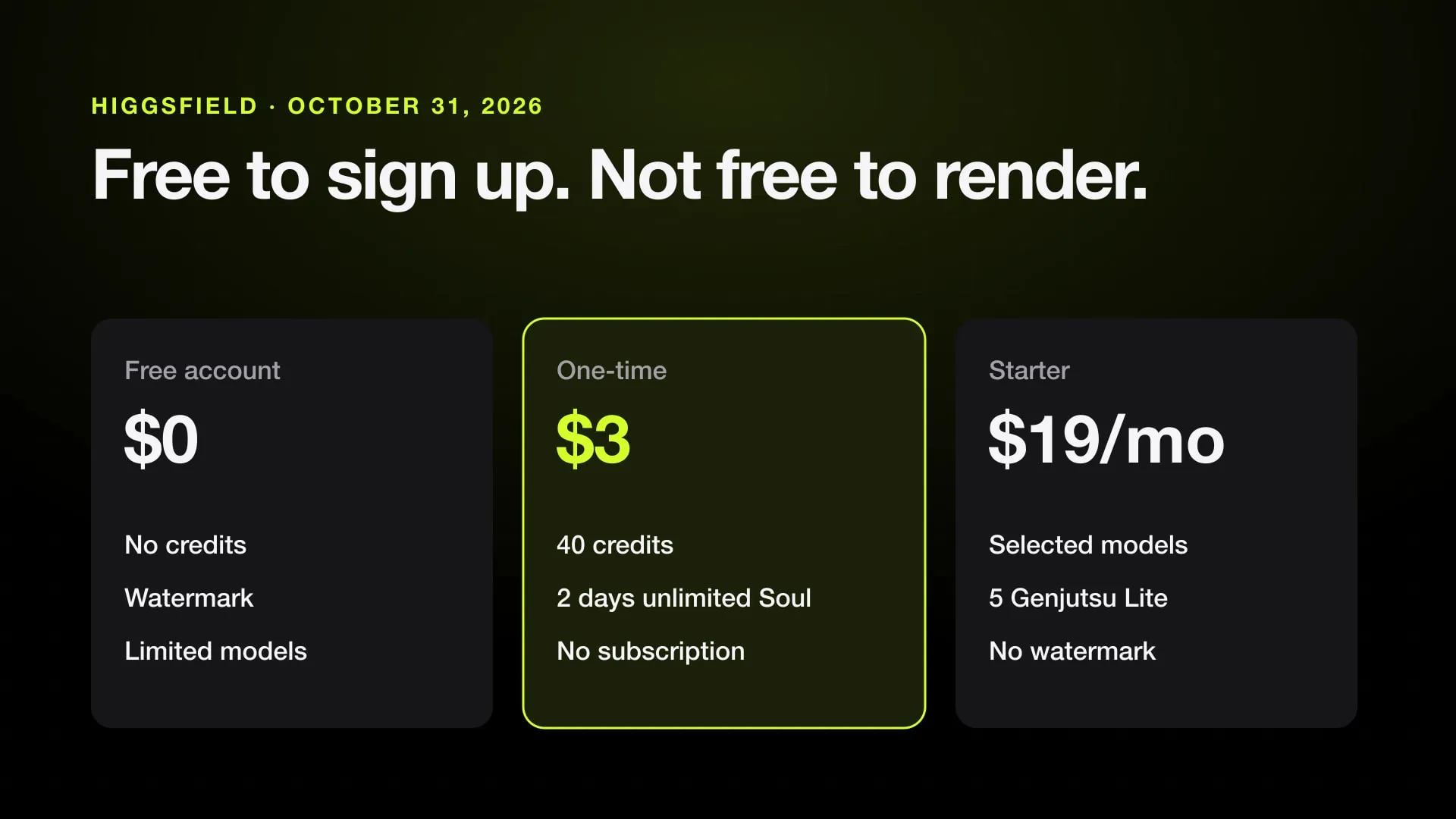
Genjutsu needs a Higgsfield account with credits, and paid plans include a few free Genjutsu runs. Sign up on Higgsfield (referral link).
Genjutsu from a Mac
Jutsu Studio is a free, open-source Mac app that runs Genjutsu and Genjutsu Lite through your Higgsfield account or API key. It trims the source on your Mac so only the seconds you keep are billed, shows the price before each job, has a draft mode, upscales the approved draft for free on the Mac, and keeps every result with its prompt and cost in a local library.
Sources
Run Higgsfield from your Mac.
Jutsu Studio is a free, open-source Higgsfield desktop app for Mac: a queue, a local library and the price on every button.