Jutsu Studio
In short
- Higgsfield's help center says it has no desktop app and no mobile apps, for Windows or any other system.
- higgsfield.ai is an installable web app: Edge and Chrome on Windows can install it with its own window and taskbar icon.
- Official Higgsfield plugins for Photoshop, Premiere Pro and After Effects install on Windows with the free ZXP Installer; a Blender plugin and a Figma plugin exist too.
- Kawarimi is a free, open-source Windows and Linux app that swaps a person in a video for a character from one image on your own NVIDIA GPU, with no account and no per-video cost.
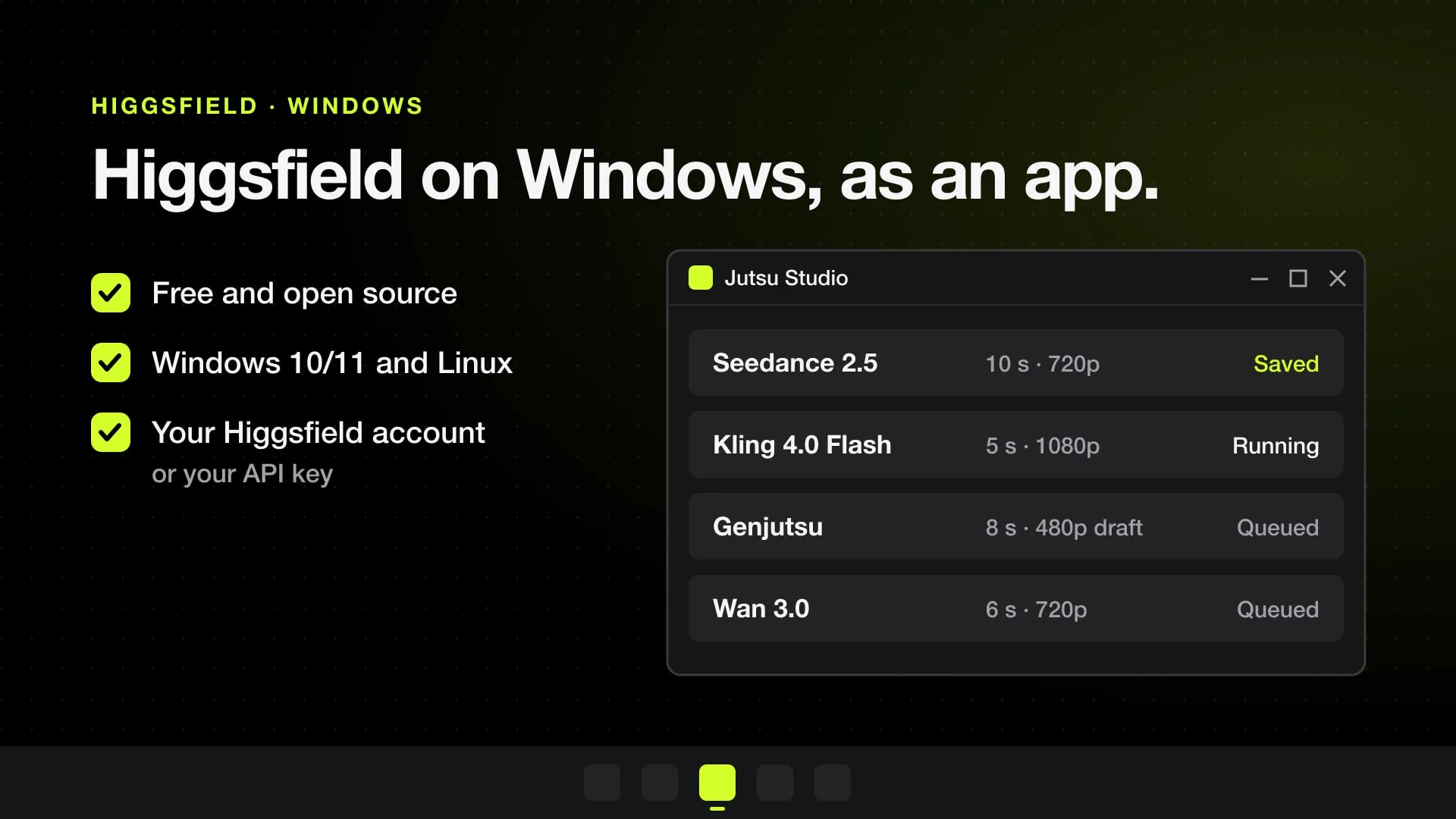
- Jutsu Studio, a free open-source desktop app for Higgsfield, runs on Windows 10 and 11 and on Linux as well as on a Mac. It is unofficial and uses your own Higgsfield account or API key.
Higgsfield has no official Windows app. Its help center says it has “no mobile apps and no desktop app” and that the platform runs in the browser at higgsfield.ai. On a Windows PC that leaves 7 real options: use Jutsu Studio, a free open-source desktop app for Higgsfield, install the website as an app from Edge or Chrome, use Higgsfield’s official plugins for Adobe apps and Blender, connect Claude Desktop through Higgsfield’s MCP server, call the API, run Higgsfield models through a free tool like AI Media Router, or do the work locally on your own NVIDIA GPU with free apps like Kawarimi.
Jutsu Studio is ours. It started as a Mac app and since November 14, 2026 runs on Windows and Linux too. For the Mac side, see the Higgsfield desktop app for Mac.
Your options on Windows
| Option | Made by | What you get | Pays with |
|---|---|---|---|
| Jutsu Studio | Independent, open source (ours) | A desktop app with a queue, the price on every button and every result saved to your disk | Plan credits or a prepaid API balance, your choice |
| higgsfield.ai installed as an app | Higgsfield | The full site in its own window, with a taskbar icon | Plan credits, plus unlimited and free generations where your plan has them |
| Plugins | Higgsfield | A Higgsfield panel in Photoshop, Premiere Pro, After Effects, Blender or Figma | Plan credits |
| MCP in Claude Desktop | Higgsfield | Generation from a chat | Plan credits, always |
| CLI | Higgsfield | Generation from a coding agent | Plan credits, always |
| API, or AI Media Router on top of it | Higgsfield, and our open-source router | Generation from scripts and agents, files saved to your disk | Prepaid dollar balance |
| Kawarimi | Independent, open source | Character swap on your own NVIDIA GPU | Nothing per video |
Jutsu Studio for Windows and Linux
Jutsu Studio is a free, open-source (MIT) desktop app for Higgsfield. It is unofficial: not made or endorsed by Higgsfield. The Windows and Linux version is the same app as the Mac one, rebuilt with Tauri, Rust and React, with the same screens, models and price rules.
- Models: Genjutsu, Seedance 2.5, Kling 4.0 and Kling 4.0 Flash, Wan 3.0, Cinema Studio 4.0 and the rest, plus Higgsfield’s image models.
- A queue that keeps going: jobs run in the background from the system tray, survive a restart or a dropped connection, and never pay twice.
- The price before the click: every button shows what the job costs, and an optional daily cap guards the budget.
- Your files: every result is downloaded to
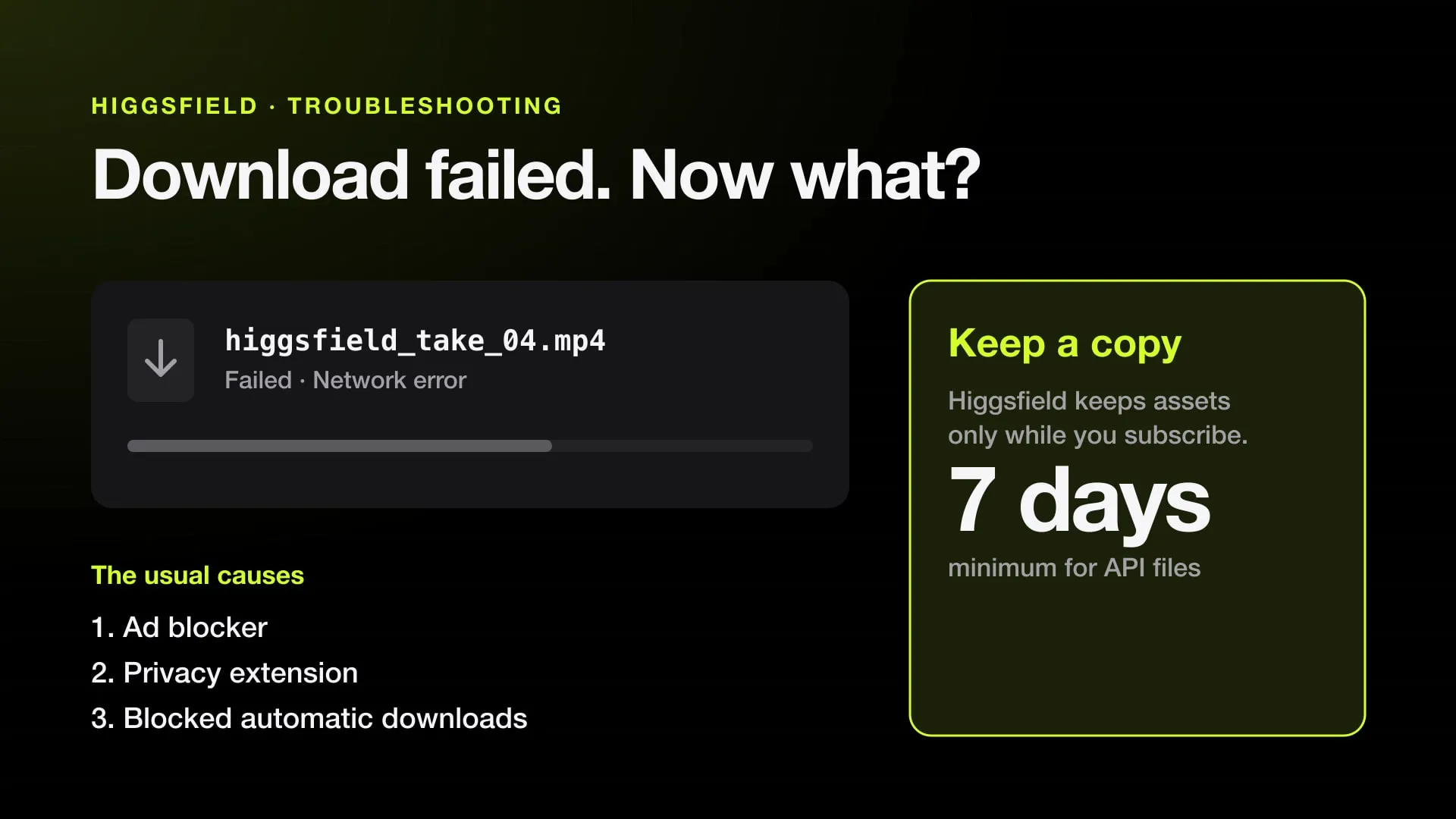
Videos/Jutsu Studiowith its prompt, inputs and cost, so Higgsfield’s expiring links don’t matter. - Free local work: upscale with Real-ESRGAN, smooth motion with ffmpeg and make subtitles with whisper.cpp, on your own PC.
- Your account or your key: sign in with Higgsfield in the browser to spend plan credits, or paste an API key to pay as you go. Credentials stay in Windows Credential Manager. There is no Jutsu server and no telemetry.
To install it, download Jutsu Studio_<version>_x64-setup.exe from the releases page and run it. It needs Windows 10 or 11 on x64. On Linux, use the .AppImage, or the .deb (Debian, Ubuntu) or .rpm (Fedora, openSUSE) package; the tray icon needs an AppIndicator host, built into KDE and available as an extension on GNOME.
Install the website as an app
This is the closest thing to a Higgsfield Windows app that comes from Higgsfield itself. The site ships a web app manifest that asks for its own window, so Windows browsers can install it:
- Open higgsfield.ai in Edge or Chrome and sign in.
- In Edge, open the menu and choose Apps › Install this site as an app. In Chrome, choose Cast, save and share › Install page as app.
- Higgsfield now opens from the Start menu and the taskbar in a window without browser tabs.
It is still the website: same account, same credits, same unlimited models on plans that have them. Higgsfield says those perks apply only on the website, so for most people this is the best way to use Higgsfield on a PC.
Plugins for Photoshop, Premiere Pro, After Effects and Blender
Higgsfield publishes official plugins that run inside apps you may already use. The Adobe plugin works in Premiere Pro 2025 and After Effects 2025 or later, on Windows and macOS. On Windows you install it like any Adobe extension:
- Install the free ZXP Installer from aescripts.
- Download Higgsfield’s
.zxpfile from its plugin page and drag it onto ZXP Installer. - Open Premiere Pro or After Effects and find the panel under Window › Extensions › Higgsfield.
There is a Photoshop plugin and a Blender plugin, and the help center lists Figma and DaVinci Resolve among its integrations. A plugin spends your plan credits, and you need the host app first. Get plugins only from higgsfield.ai.
MCP and the CLI, for AI agents
Claude Desktop runs on Windows, and Higgsfield’s MCP server works in it: add a custom connector with the URL https://mcp.higgsfield.ai/mcp and sign in to Higgsfield. You then ask for images and videos in a chat. It needs a paid plan, and every generation spends credits at standard rates, with no credit cap you can set. For coding agents such as Claude Code, Higgsfield’s CLI installs with npm i -g @higgsfield/cli. The costs of both are in Higgsfield API, MCP and CLI compared.
The API, and AI Media Router
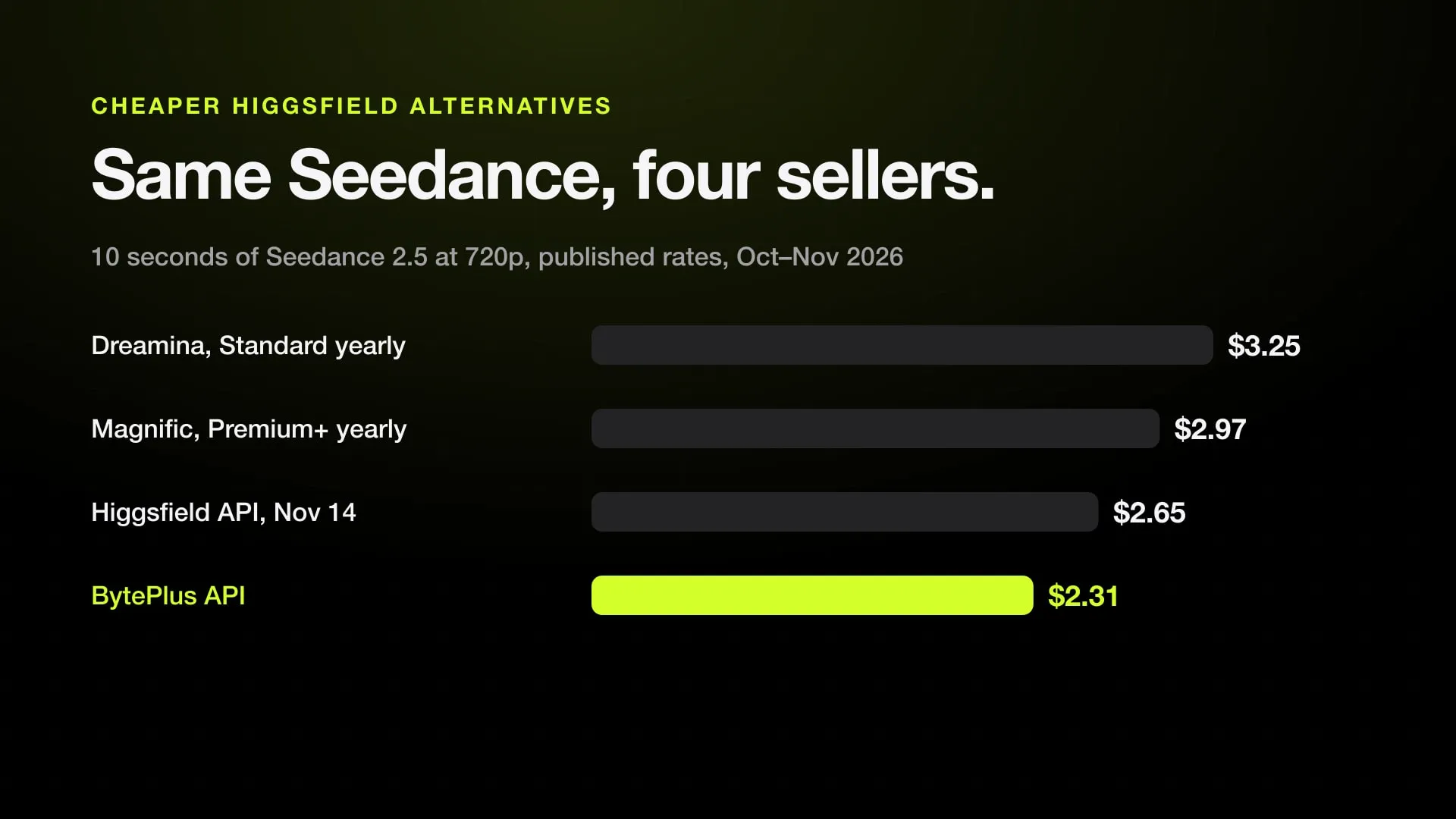
The Higgsfield API is a separate prepaid balance, with a $5 minimum top-up and video billed per second. It has no window of its own. AI Media Router, our free open-source tool, has a Windows build and can call Higgsfield’s API with your key. It reaches 43 providers in all, so your agent can compare the price of the same model across them before it spends anything. Results are saved as files on your PC. The per-second rates are on our Higgsfield price table.
Local tools: Kawarimi and ComfyUI
If your PC has an NVIDIA graphics card, some of what people use Higgsfield for runs on your own machine for free.
Kawarimi is a free, open-source app for Windows 10, Windows 11 and Linux that replaces a person in a video with a character from one image, keeping the camera, the moves and the timing. It does the same job as Higgsfield’s character swap tools, offline: tracking and cutouts run in Rust on your GPU, and the render uses Wan 2.2 Animate through a local ComfyUI. It needs an NVIDIA GPU with 12 GB of video memory or more and about 22 GB of disk. There is no account and no cost per video. On an RTX 4090, the app estimates a 480p draft of the first 77 frames at about 2 minutes.
ComfyUI has a Windows installer and runs open models such as Wan 2.2 on your GPU. It can also run Seedance 2.5 as a paid partner node, rendered on ByteDance’s servers and billed in Comfy credits, so that one needs no GPU at all.
Watch out for fake Higgsfield downloads
Search for “Higgsfield for PC” and you will find download sites offering a Higgsfield installer. Higgsfield says any downloadable app presenting itself as Higgsfield is a copy, and that it releases nothing outside higgsfield.ai. An official Windows install of Higgsfield is the website installed from your browser or a plugin from higgsfield.ai. Free projects on GitHub that say clearly they are not Higgsfield, such as those in open-source Higgsfield alternatives, are a different case, but read what each one sends where before you install it.
Which one to use
- You want a desktop app with a queue and every file on your disk: Jutsu Studio.
- You just want the website in its own window: install higgsfield.ai as an app from Edge or Chrome.
- You edit in Premiere Pro, After Effects, Photoshop or Blender: the official plugin.
- You work with Claude or another agent: MCP or the CLI, knowing every generation spends credits.
- You compare prices or build your own tool: the API, or AI Media Router on top of it.
- You have an NVIDIA GPU and want character swap for free: Kawarimi.
Sources
- Higgsfield Help Center: What are the official Higgsfield platforms?
- Higgsfield: Premiere Pro and After Effects plugin
- Higgsfield: Blender plugin
- Higgsfield Help Center: What external integrations does Higgsfield support?
- Higgsfield Help Center: What is Higgsfield MCP?
- Higgsfield Help Center: What is the Higgsfield API?
- Higgsfield web app manifest (display: standalone)
- Jutsu Studio for Windows and Linux on GitHub
- Kawarimi on GitHub
- AI Media Router on GitHub
Run Higgsfield from your desktop.
Jutsu Studio is a free, open-source Higgsfield desktop app for Mac, Windows and Linux: a queue, a local library and the price on every button.