Jutsu Studio
In short
- Kling ships its own desktop app for Mac, version 1.3.2 when checked on October 20, 2026, with separate downloads for Apple silicon and Intel; it spends Kling plan credits.
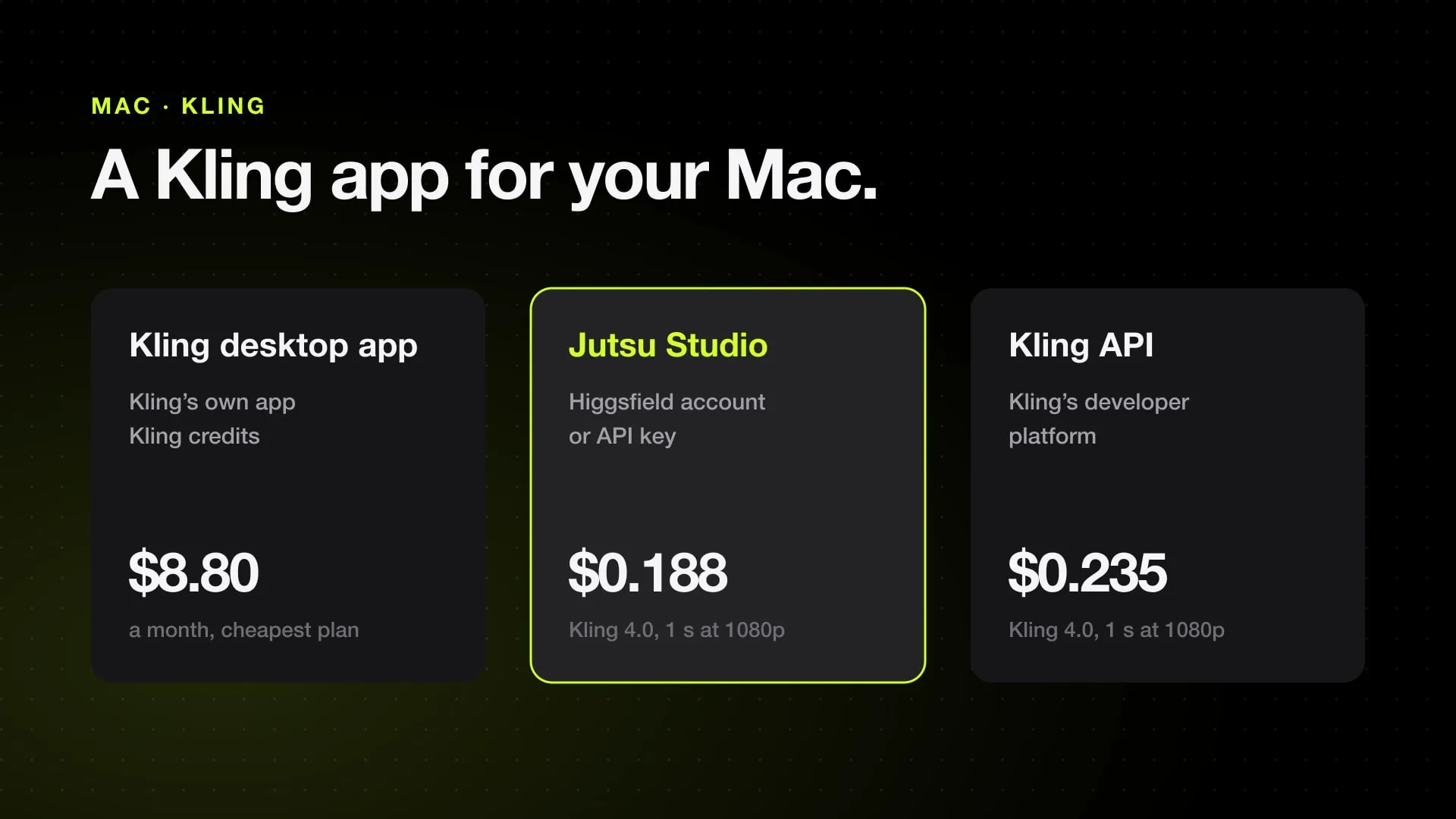
- Kling's plans started at $8.80 a month for 660 credits after a discounted first month; commercial use and watermark removal need a paid plan.
- On November 8, 2026, Kling 4.0 at 1080p with sound cost $0.235 a second on Kling's API and fal; on November 14 Higgsfield's API charged $0.1879, with no discount.
- Jutsu Studio runs Kling 4.0, Kling 3.0 Motion Control and Kling O3 Edit on a Higgsfield account or API key, and Kling O3 video reference and Kling 2.6 Motion Control with a key.
Yes, there is a Kling app for Mac: Kling AI ships its own desktop app, version 1.3.2 when we checked on October 20, 2026, with separate downloads for Apple silicon and Intel Macs, and it spends credits from Kling plans that started at $8.80 a month. Kling’s models also run on a Mac through Jutsu Studio with a Higgsfield account, through ComfyUI and through Kling’s API. On November 8, 2026, a second of Kling 4.0 at 1080p with sound cost $0.235 on Kling’s API; on November 14 it cost $0.1879 on Higgsfield’s.
Jutsu Studio is this site’s own free app and is marked as such below. API prices come from our Kling 4.0 price table, checked on November 8, 2026.
Kling never runs on the Mac itself
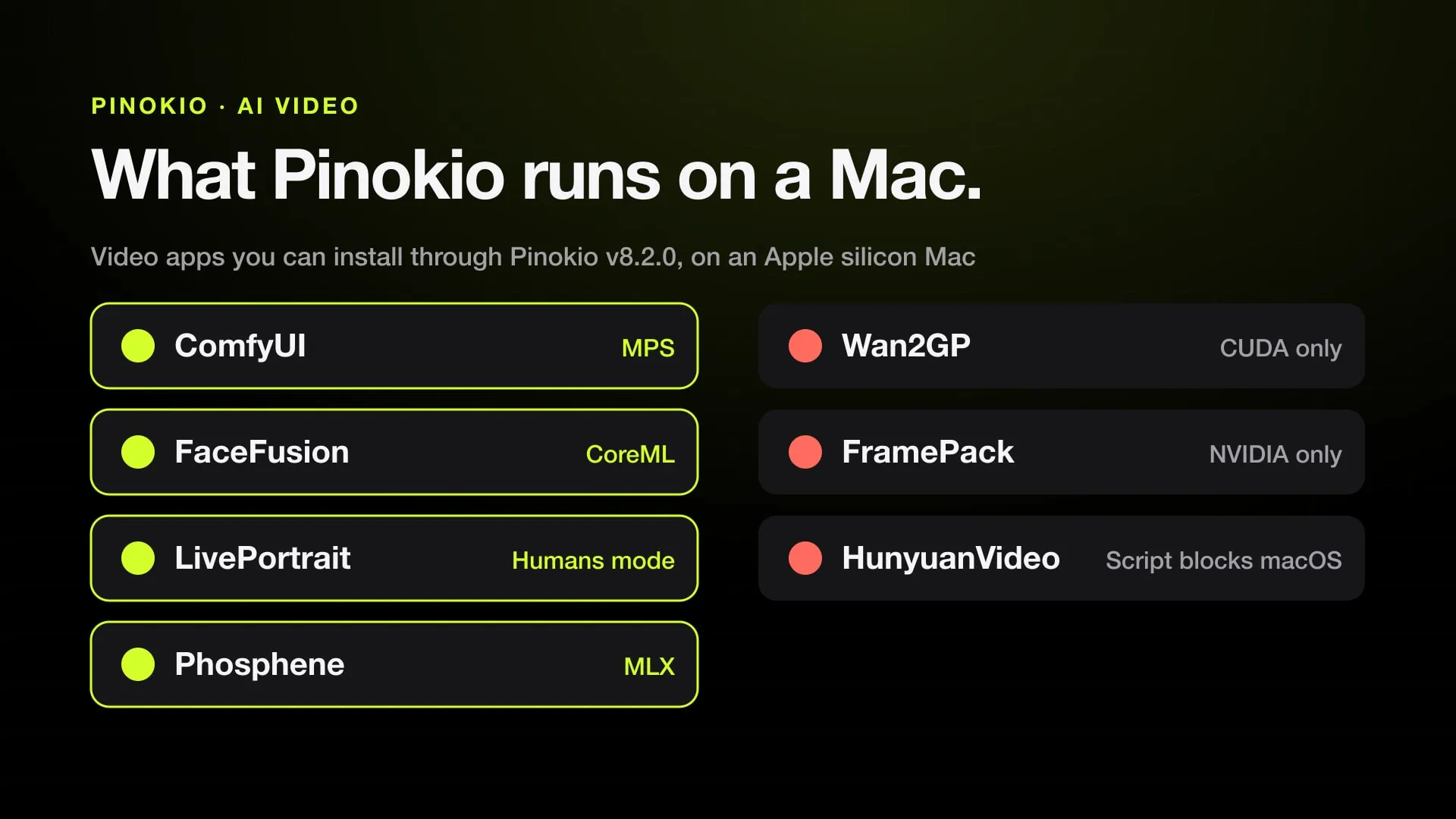
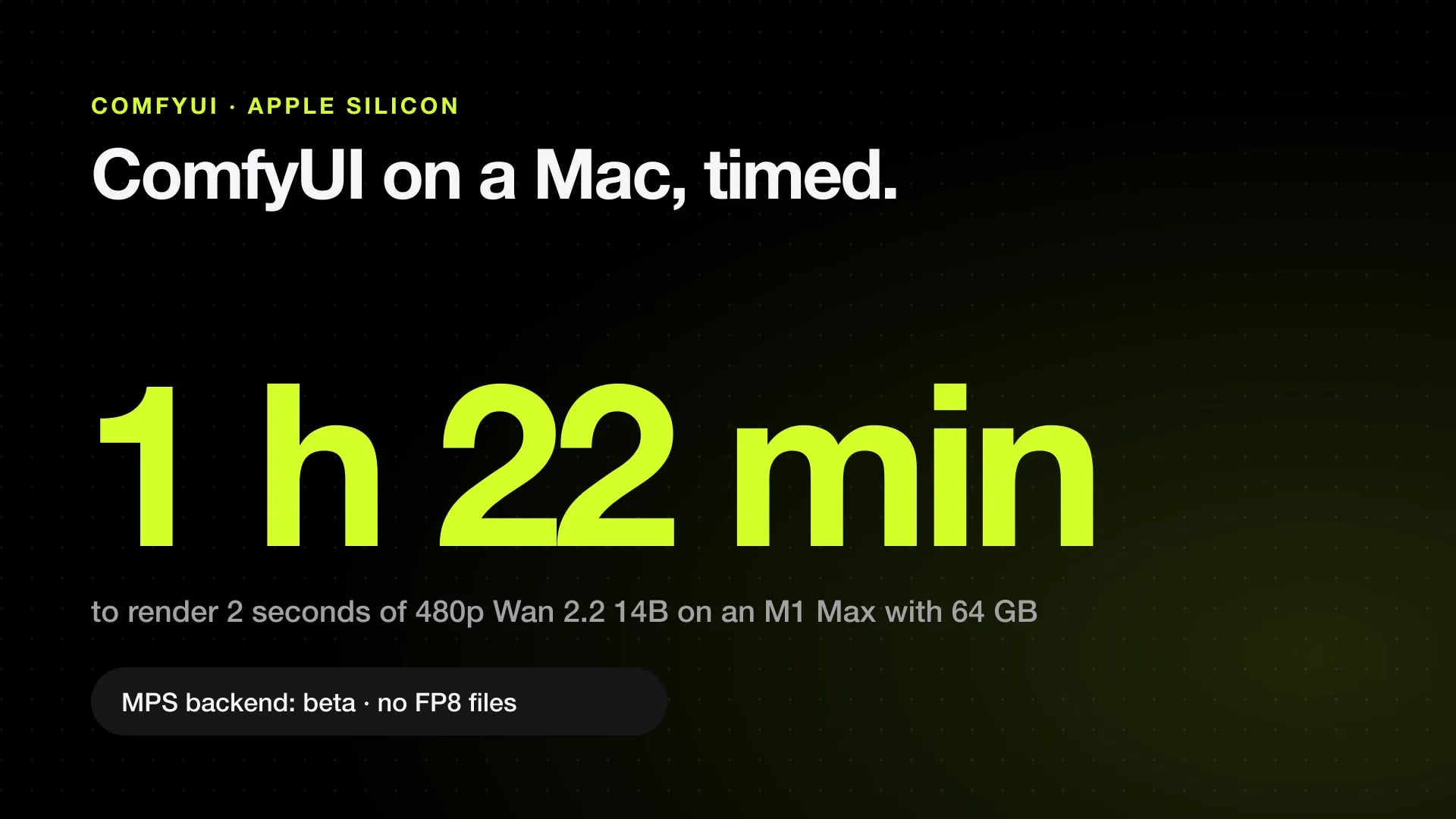
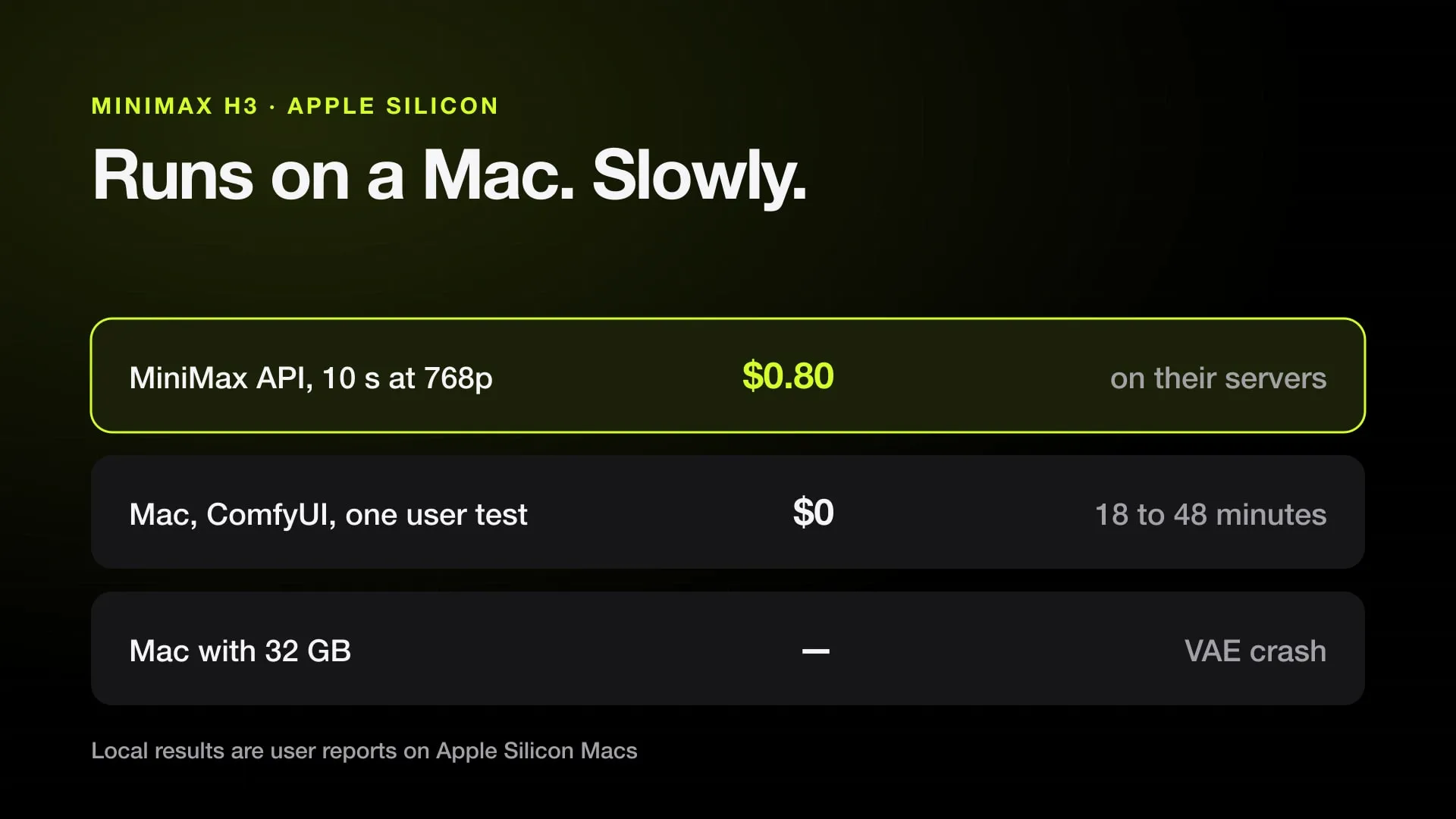
Kling’s models are closed. Every route, Kling’s own app included, uploads the prompt and the references, renders on a server and downloads the clip. That is why a MacBook Air works as well as a Mac Studio, and why an Intel Mac is fine. If you want a model that generates on the Mac itself, see AI video on your own Mac; it needs far more memory and time.
Every way to use Kling on a Mac
| Route | Made by | Runs on | Pays with | Kling 4.0, 1 s at 1080p |
|---|---|---|---|---|
| Kling desktop app | Kling | Apple silicon or Intel Mac | Kling plan credits | Plan credits |
| kling.ai, in a browser | Kling | Any browser | Kling plan credits | Plan credits |
| Jutsu Studio (ours) | Independent, open source | macOS 14+, Apple silicon or Intel | Higgsfield plan credits or API key | $0.188 with a key |
| ComfyUI partner nodes | Comfy | ComfyUI or Comfy Desktop | Prepaid Comfy credits | In Comfy credits |
| Kling API, from your own code | Kling | Anything that sends HTTP | Prepaid units | $0.235 |
| fal API, from your own code | fal | Anything that sends HTTP | Prepaid balance | $0.235 |
Higgsfield’s API prices are its standard rates on November 14, 2026, with no discount running. On November 8 it listed Kling 4.0 with sound at $0.157 a second at 720p and $0.235 at 1080p, the same as Kling’s, and showed a discount to $0.110 and $0.165.
Kling’s own desktop app
Kling AI has a desktop app with separate installers for Apple silicon and Intel Macs. Kling’s guides give the steps for the web and the app side by side, Motion Control included. It signs in to your Kling account and uses the same credits.
Kling’s plans started at $8.80 a month for 660 credits after a discounted first month when we checked. Commercial use and watermark removal need a paid plan. Plan prices and credit costs change often, so check Kling’s membership page before you buy.
If Kling is the only model you use, this is the simplest route.
Jutsu Studio: Kling next to Seedance and Genjutsu (ours)
Jutsu Studio is a free, open-source (MIT) Mac app for Higgsfield’s models. It is not made or endorsed by Kling or Higgsfield. You connect your Higgsfield account through Higgsfield’s own sign-in, or paste a Higgsfield API key, and these Kling models appear:
| Model | What it makes in Jutsu Studio | Connection |
|---|---|---|
| Kling 4.0 | A 3–30 s clip at 720p or 1080p from a prompt, from a start and an optional end frame, or from up to ten images and a source video as references; Edit of a video as the prompt says | Account or key |
| Kling 3.0 Motion Control | Motion transfer, Standard or Pro quality, with the option to keep the video’s background | Account or key |
| Kling O3 Edit | Edit of a video as the prompt says, with up to four images | Account or key |
| Kling O3 video reference | Motion transfer from a reference video | Key only |
| Kling 2.6 Motion Control | Motion transfer, Standard (480p or 720p) or Pro (1080p) | Key only |
Next to them are Seedance 2.5, Genjutsu, Wan 3.0 and Higgsfield’s other video models, so you can run the same clip through Kling and Seedance and compare the takes side by side.
What the app adds around each job:
- The price before the click. On a Higgsfield account, Kling 4.0 shows an estimate of 5 credits a second at 720p and 7.5 at 1080p, 1.2 times that with a source video, and Higgsfield quotes the uploaded file before the job starts. With a key it shows the list price.
- Only the seconds you keep. A source clip is trimmed on the Mac, so only the range you pick is uploaded and billed.
- A queue that keeps going. Jobs run in the background, show in the menu bar and pick up again after a restart without paying twice.
- Files on your disk. Every result lands in
~/Movies/Jutsu Studiowith its prompt, references and cost, and exports to ProRes or H.264 for Premiere Pro, DaVinci Resolve or Final Cut Pro.
It needs macOS 14 or later and runs on Apple silicon and Intel. It charges nothing on top of Higgsfield’s price. How Kling compares with Higgsfield’s own models is in Higgsfield vs Kling.
In ComfyUI on a Mac
ComfyUI has paid partner nodes for Kling, as it does for Seedance. You build the graph locally, the node sends the job to the provider, and Comfy bills your account in prepaid credits. No GPU is needed. It suits you if you already work in node graphs; the setup is the same as in Seedance 2.5 in ComfyUI.
What it costs by the second
Kling per second with sound, November 8, 2026 (Higgsfield’s November 14):
| Model and channel | 720p | 1080p |
|---|---|---|
| Kling 4.0, Kling API | $0.157 | $0.235 |
| Kling 4.0, fal | $0.157 | $0.235 |
| Kling 4.0, Higgsfield API | $0.1257 | $0.1879 |
| Kling 3.0 Motion Control, Kling API | $0.126 | $0.168 |
| Kling 3.0 Motion Control, Replicate | $0.070 | $0.120 |
| Kling 3.0 Motion Control, Higgsfield API | $0.092 | $0.1189 |
On Higgsfield, Kling 4.0 with a source video costs more, $0.1544 a second at 720p and $0.2336 at 1080p on November 14, billed on the output seconds only. Every provider is on the Kling 4.0 and Kling 3.0 Motion Control price pages.
What none of these routes can do
- Run offline. Kling renders only on Kling’s servers or a provider’s.
- Share credits. Kling credits work in Kling’s app and website, Higgsfield credits in Higgsfield and Jutsu Studio, Comfy credits in ComfyUI. None of the apps reads another service’s balance.
- Give every Kling model everywhere. Jutsu Studio runs only the Kling models Higgsfield offers, listed above.
For the other Mac apps, local ones included, see best AI video apps for Mac.
Sources
- Kling AI: Motion Control user guide, with desktop downloads (checked October 20, 2026)
- Kling AI: membership plans (checked October 20, 2026)
- Kling API: video pricing (checked November 8, 2026)
- Higgsfield API: Kling 4.0 image to video (checked November 8, 2026)
- Higgsfield API: Kling 3.0 Motion Control Pro (checked November 8, 2026)
- fal: Kling 4.0 image to video (checked November 8, 2026)
- Replicate: kwaivgi/kling-v3-motion-control (checked November 8, 2026)
- Comfy docs: Partner Nodes overview
Run Higgsfield from your desktop.
Jutsu Studio is a free, open-source Higgsfield desktop app for Mac, Windows and Linux: a queue, a local library and the price on every button.