Jutsu Studio
In short
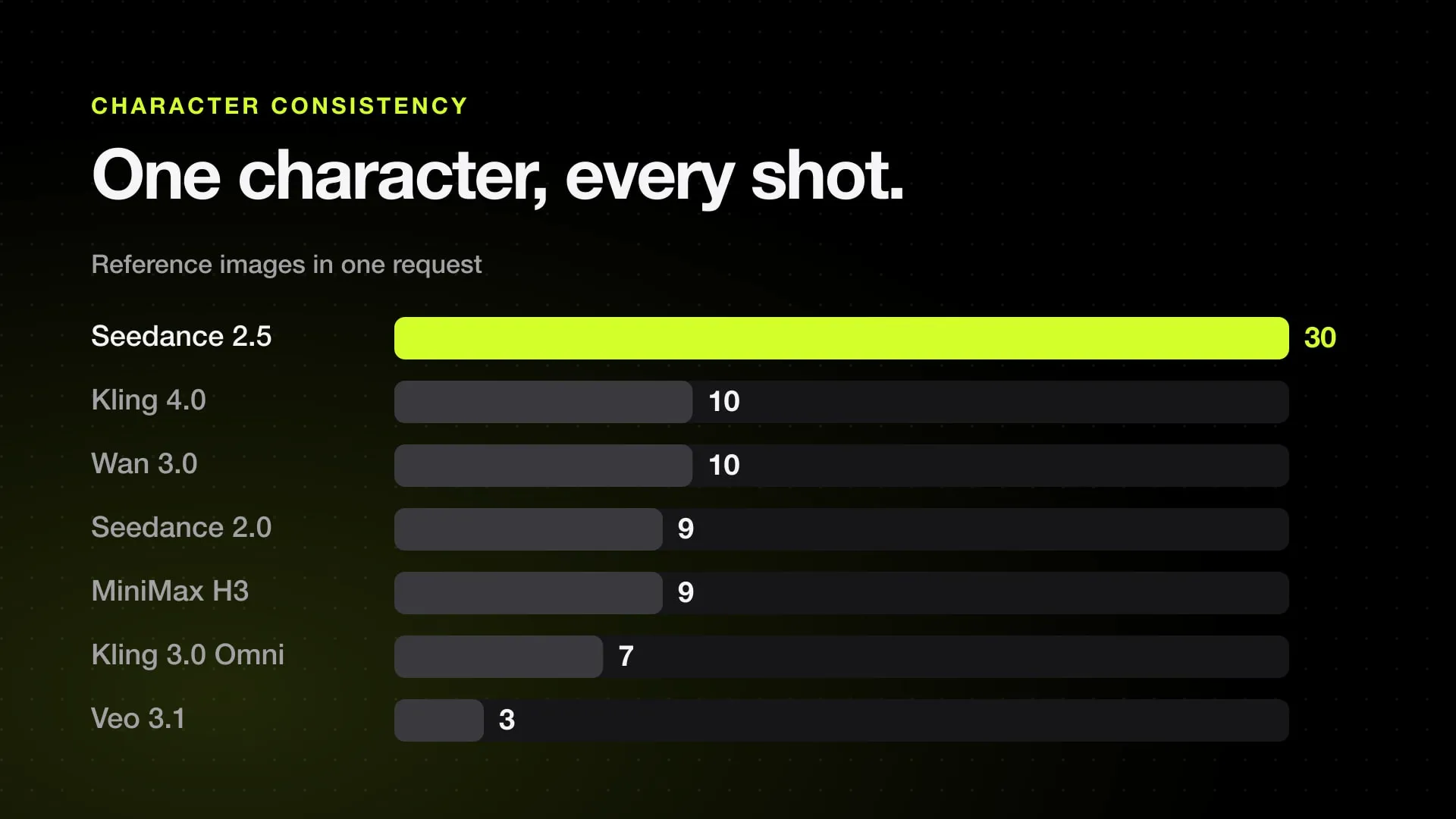
- Seedance 2.5 takes the most references in one request: up to 30 images, 10 videos and 10 audio clips, and makes takes of up to 30 seconds.
- Kling 4.0 takes up to 10 images, 5 videos and 7 saved elements per request (15 assets in all) and costs $0.235 a second at 1080p with sound on Kling's own API, against $0.569 for Seedance 2.5 on BytePlus (November 8, 2026).
- Veo 3.1 takes 1 to 3 subject images and makes 4 to 8 seconds per clip, so it holds a character within one short shot.
- Wan 3.0 is listed with up to 10 images, 5 videos and 5 audio clips per request; MiniMax H3 with up to 9 images, 3 videos and 3 audio clips, and its weights are open.
- Sora 2's API keeps reusable characters, up to two per video, but OpenAI limits them to animals and objects.
Seedance 2.5 is the best AI video model for keeping one character the same across shots: it takes up to 30 reference images, 10 videos and 10 audio clips in one request and makes takes of up to 30 seconds. Kling 4.0 is the cheaper choice at $0.235 a second at 1080p, with up to 10 images and 7 saved characters per request. Veo 3.1 holds a character within one short shot.
The limits below come from each maker’s documentation, or from a large provider where the maker publishes none, checked November 9, 2026. Prices are each maker’s own API at 1080p with sound, from our daily price check on November 8, 2026.
Reference limits side by side
| Model | Reference images per request | Other references | Saved character | Clip length | Official price per second, 1080p with sound |
|---|---|---|---|---|---|
| Seedance 2.5 | 30 | 10 videos, 10 audio | Higgsfield Elements | 4 to 30 s | $0.569 (BytePlus) |
| Seedance 2.0 | 9 | 3 videos, 3 audio | Higgsfield Elements | up to 15 s | $0.374 (BytePlus) |
| Kling 4.0 | 10 | 5 videos (30 s in all), 3 voices | up to 7 elements | 3 to 30 s | $0.235 (Kling) |
| Kling 3.0 Omni | 7, images and elements together | 1 video of 3 to 10 s (then 4 images) | elements of 2 to 4 images | up to 15 s | $0.140 (Kling) |
| Veo 3.1 | 1 to 3 | none | none | 4 to 8 s | $0.400 (Google Vertex AI) |
| Wan 3.0 | 10 | 5 videos, 5 audio | none | up to 30 s | $0.200 (Alibaba Cloud) |
| MiniMax H3 | 9 | 3 videos, 3 audio | none | 4 to 15 s | $0.080 at 768p (MiniMax) |
Sources: Kling 4.0 user guide, Kling 3.0 Omni API, Vertex AI reference images. The Wan 3.0 limits are from Runware’s Wan 3.0 docs and the MiniMax H3 limits from ComfyUI’s H3 workflow, because Alibaba and MiniMax publish no English page with them. The Seedance limits and clip lengths are in our Seedance character consistency guide.
Resellers sell every model here for less than the maker. Kling 4.0, for example, cost $0.1879 a second at 1080p on Higgsfield’s API on November 14, 2026, against $0.235 on Kling’s own. The cheapest offer for each model is on its price page, linked from the table.
A saved character is one you set up once and call again by name in later prompts. On Kling it is an element: a set of 2 to 4 images, or a short video, kept in Kling’s Element Library. On Higgsfield it is an element too: a trained Soul ID character is called with @ in Seedance 2.5 prompts. Without one, you send the same reference images with every request.
Which one to pick
One character across many shots, with dialogue: Seedance 2.5. A full character sheet, a voice sample and a reference clip fit in one request, and one take runs up to 30 seconds, so fewer cuts mean fewer chances for the face to drift. It costs the most per second.
The same, for less: Kling 4.0. It makes the same 30-second takes, and its elements save you from re-sending the references each time. It is sold at 720p and 1080p only; for 4K, Kling 3.0 Omni is sold up to 4K.
Two or more characters in one scene: Seedance 2.5 or Kling 4.0, with each character in its own references and named in the prompt. ByteDance recommends 1 to 8 subjects per Seedance 2.5 request. Guides for MiniMax H3 report faces mixing between characters when references are unlabeled, and the same fix works everywhere: tag each image (@Image1 is the hero, @Image2 the villain) in the prompt.
A short single shot: Veo 3.1. It takes up to 3 images of one person, character or product and keeps them for 4 to 8 seconds. A longer piece needs several clips joined, and each new clip is a new chance for drift.
Cheap drafts: Wan 3.0 or MiniMax H3. Both take enough references to hold a character, and H3 costs $0.08 a second at 768p on MiniMax’s own API. Neither has a saved character.
Your own GPU: MiniMax H3 and Wan 2.2 Animate have open weights. On a Mac, H3 needs about 64 GB of unified memory or more; see MiniMax H3 on a Mac.
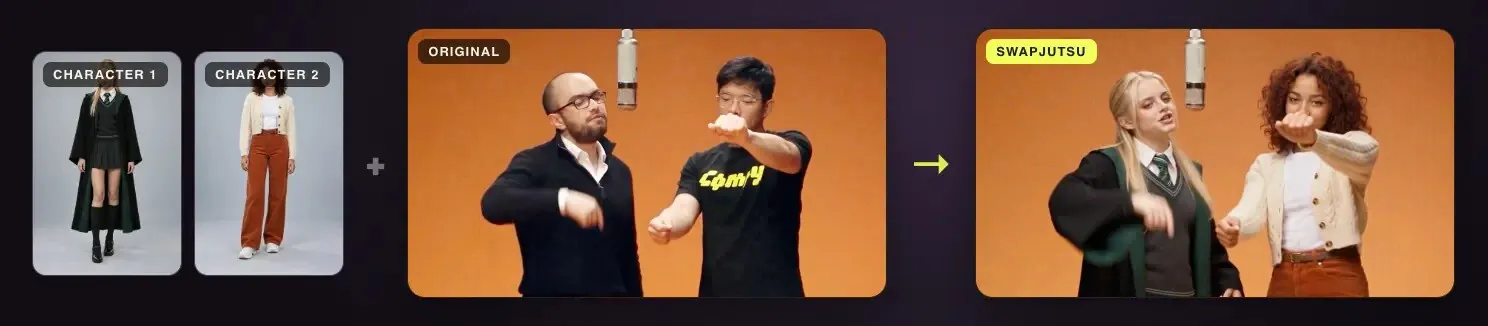
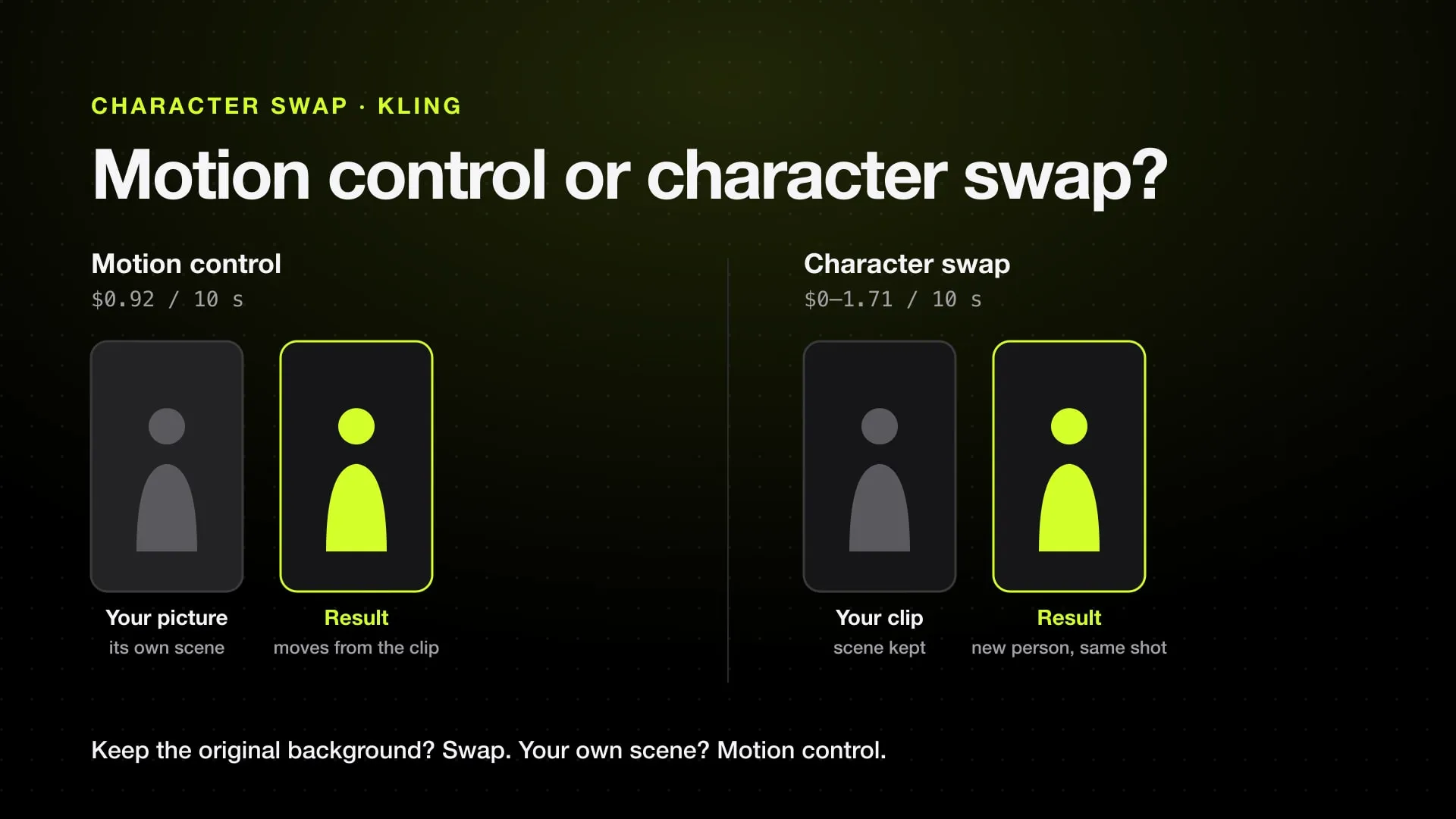
Your character in an existing video: Seedance 2.5 edits a clip with your references, which is how a person in a video is replaced while the motion and camera stay; see Seedance character swap. Wan 2.2 Animate does it from one character image. More tools are in the best AI character swap tools.
Sora 2 keeps reusable characters, made from short reference videos, with up to two in one video. OpenAI limits them to animals and objects, so they don’t help with a human character. Sora 2 is not in our price feed.
How to keep a character the same in any model
- Make a reference sheet first. A headshot and a full-body image on a plain background, in the outfit the character wears in the video. Add side and back views if the character turns. How to make one: AI character reference sheet.
- Send the same references with every shot. Changing one image between shots changes the face. On Kling and Higgsfield, save the character once as an element and call it by name.
- Describe the character the same way in every prompt. Same name, same short description, same order of references. Put clothing in the references too; a prompt that names a different jacket wins over the image.
- Use the last shot as a reference for the next. Models that take a reference video (Seedance, Kling 4.0, Wan 3.0, MiniMax H3) carry the look of the previous shot into the next, including light and color.
- Keep the cast small. Every extra character in a request is another face the model can mix up.
- Make a cheap test before the final version. Render at 480p or 720p first, check the face in a still frame, then pay for 1080p.
What doesn’t work yet
- Real faces. BytePlus does not accept reference images with real human faces unless they come through an authorized route, and Sora 2’s characters exclude people. Higgsfield lets you train a Soul ID character from your own photos.
- Long pieces in one take. No model here goes past 30 seconds per generation. Anything longer is several takes, and the joins are where drift shows.
- Limits are ceilings. Providers can accept fewer references than the maker allows, and some features on Kling’s app, like voice references, may not be in a given provider’s API.
Running these models from a Mac
Higgsfield sells Seedance 2.5, Kling, Veo 3.1 and Wan behind one account, with Soul ID characters you can call by name. Jutsu Studio is our free, open-source desktop app for it: it queues renders across models, shows the price of each one before you press Generate, and keeps every result on your disk. For a side-by-side of the three big models on price, see Seedance 2.5 vs Kling 4.0 vs Veo 3.1.
Sources
- BytePlus ModelArk: Seedance 2.5 pricing (checked November 8, 2026)
- Kling: Kling 4.0 user guide, Omni Reference limits (checked November 9, 2026)
- Kling API: Kling 3.0 Omni video generation (checked November 9, 2026)
- Kling: Element Library user guide (checked November 9, 2026)
- Google Cloud: Generate Veo videos from reference images (checked November 9, 2026)
- Runware: image inputs with Wan 3.0 (checked November 9, 2026)
- ComfyUI: MiniMax H3 reference to video workflow (checked November 9, 2026)
- OpenAI Cookbook: Sora 2 prompting guide, characters (checked November 9, 2026)
- AI video API prices: every price behind the table, updated daily
Run Higgsfield from your desktop.
Jutsu Studio is a free, open-source Higgsfield desktop app for Mac, Windows and Linux: a queue, a local library and the price on every button.